One selfie · pick a car · the 2-4 card reveal
Unforgettable Car AI: Make the 24 Car Trend From One Selfie
Pick a dream car (or your own) and add one selfie. The video follows the trend beat for beat: a 2 card, a 4 card, a swipe across the lens, then you standing next to the car. 12 seconds, 16:9, with the trend's sound.
A real result from this maker, made from one selfie and shown with that person's consent.
- No car, camera crew or editing app needed: one selfie is enough
- Eight preset dream cars, or upload a photo of your own
- 12-second 16:9 MP4 in 480p, 720p or 1080p, no watermark
Make a Hotel Lobby rap video
Add two selfies and get a 12-second rap duo video with an original song written around your names.
Make our rap videoYour photos in. A share-ready result out.
Choose a scene
Pick an effect and check which photos it needs. Real examples appear after review.
Add your people
Give each role its own clear photo of a consenting adult.
Confirm, then create
Review the credits, generate, and download from your history.
The short answer
Unforgettable Car AI on Framecomet makes the 24 car trend video, also known as the unforgettable car trend, without a car or a camera. You choose one of eight preset dream cars or upload a photo of your own car, pick 480p, 720p or 1080p, and add one selfie. The AI rebuilds the trend's night-time shot with you in it: a 2 card and a 4 card go up to the lens, a hand swipes across, and the shot opens on you standing next to the car. The result is a 12-second landscape MP4 that keeps the trend's original sound.
What's new
- Added the Unforgettable Car page to Framecomet: eight preset cars, an own-car option and three quality levels.
How to make it
- 1
Choose the car
Tap one of the eight preset cars, from a red Italian supercar and a matte black off-roader to a 90s Japanese coupe and a 50s chrome convertible. Prefer the car you actually drive? Pick "My own car", the last tile, and you will add a photo of it next to your selfie. Presets are described by style; the clip is AI-made and has no link to any car brand.
- 2
Choose the quality
Pick 480p (10 credits), 720p (20 credits) or 1080p (40 credits). The scene does not change with the quality: every video uses the night charging-lot shot of the original trend, only sharper.
- 3
Add your selfie
Add one clear photo of one adult with the whole face visible. Any phone photo works; it is shrunk in your browser before it uploads. You can pick it before signing in: it waits in this browser for up to 24 hours and uploads after you sign in, so you never have to pick it twice.
- 4
Check the price and confirm
Tick the box that confirms the person in the photo is an adult who agreed to be included. The maker shows the credit cost and the length before anything is charged. If you are short of credits, a credit pack can be bought right there and the maker picks up where you left off.
- 5
Download and post
The AI first turns your selfie into a full-body portrait, then re-renders the trend shot with you and your car in it, and puts the original sound back. Expect a few minutes. After an automated safety check the MP4 is in your history, ready to download for 30 days.
What you get
- A 12-second, landscape 16:9 MP4 with no watermark, at 480p, 720p or 1080p.
- The trend's own timing: a 2 card, a 4 card, a swipe over the lens and the car reveal about four seconds in.
- You, rebuilt from one selfie, standing beside the car you picked at a night-time EV charging lot.
- Eight preset dream cars, or your own car from a photo, so you can post several versions.
- The trend's original sound laid back over the clip, so the reveal lands on the same beat.
- A download link in your history that stays available for 30 days.
Photo tips
- One adult per photo, face fully visible, looking at the camera or slightly to the side.
- A half-body photo is better than a tight face crop: the AI builds your full-body look from it, including your outfit.
- Soft, even light helps. Skip sunglasses, masks, caps that shade the eyes and strong beauty filters.
- For your own car: the whole car in frame, side or three-quarter view, in daylight, with nobody standing in or next to it.
- Use only photos you took or have permission to use. Photos of minors and public figures are not allowed.
Good to know
The video is generated by AI, so it is not footage of a real car and two attempts never look exactly alike. Your face, hands, outfit and pose may differ from the selfie and an exact likeness is not guaranteed; anything the selfie does not show, like your shoes, is made up by the AI. Cards, camera moves and timing follow the trend shot, yet hands, edges and car details can still show AI artifacts, so watch the clip before you share it. The location is always the trend's night charging lot. Preset cars are chosen by style rather than by make or model; with your own car, a clear and uncropped photo gives a closer result. Each video shows one person. The clip is not connected to or endorsed by any car maker, and it should not be used to claim that you own or drive the car.
Before you create
What is the 24 car trend?
A short-video format on TikTok and Reels. Someone holds a card with a 2 and then a card with a 4 in front of the lens, swipes it away, and the camera reveals them standing next to a car. It is also called the unforgettable car trend after the sound people use with it.
What does Unforgettable Car AI do?
It makes that video for you from a single selfie. You pick a car and a quality, add the photo and confirm. The AI places you and the car into the trend's own night shot, keeping the card flick, the swipe and the reveal timing.
Do I need a car, an app or an editing template?
No. There is nothing to film and nothing to install. The maker runs in the browser on your phone or computer, and the car can be one of the presets.
Which cars can I pick?
Eight presets: a red Italian supercar, a matte black luxury off-roader, a white V12 supercar, a dark blue hypercar, a 60s muscle car with racing stripes, a 90s Japanese sports coupe, a silver electric GT and a 50s chrome convertible. You can also upload a photo of your own car. The scene itself is fixed.
Can I use my own car?
Yes. Choose "My own car" and add a clear photo of it next to your selfie. Side or three-quarter views of the whole car with no people in the shot work best. The car photo goes through the same safety check as the selfie and is used only for your video.
Does the video have sound?
Yes. The trend's original sound is put back on every clip, lined up with the card flick and the reveal. When you post, you can still pick another sound that the platform offers your account.
How long is the video, and what format?
Twelve seconds, landscape 16:9 MP4, with no watermark, at the quality you chose: 480p, 720p or 1080p. On vertical feeds a 16:9 clip shows with bars, or you can crop it in the app before posting.
How much does it cost?
480p uses 10 credits, 720p uses 20 credits and 1080p uses 40 credits. The price is shown before you confirm, and nothing is charged until you do. Credits come in one-time packs that never expire. If a confirmed video fails, that attempt's credits are returned once.
Can I use a photo of someone else or a celebrity?
Only adults (18+) who gave you permission. Celebrities, public figures and minors are not allowed, and the safety check rejects such photos.
Is this a face swap on a stock clip?
No. The selfie is first turned into a full-body portrait, then an AI video model re-renders the trend shot with that portrait in place of the original person and your car in place of the original car. That is why the whole body, not only the face, changes.
What if the video fails?
A confirmed failure, including a result stopped by the safety check, returns the credits for that attempt once. If your connection drops while submitting, use the recover option rather than submitting again; it checks the same request without charging twice.
Make your 24 car trend video
Pick a car and a quality, add one clear selfie and check the credit cost. Confirm, and a few minutes later download your 12-second 16:9 clip with the trend sound from your history.
Start with your photosTry another scene
02 / 2 photos
Raindance
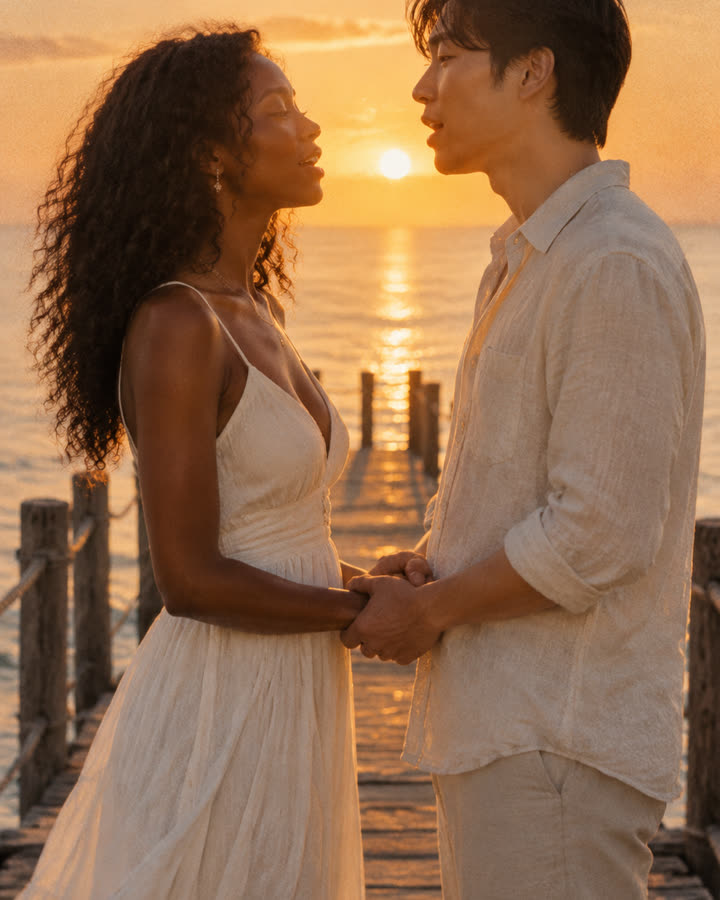
Turn two photos into a short, silent golden-hour scene of two people singing to each other at the end of a seaside pier. Made from your photos, with no original footage or song.
Try this effect03 / 2 photos
Hotel Lobby
Turn two selfies, or one photo of you both, into a 12-second rap clip of you two on stage, with an AI beat and vocals rapping an original verse written around your names.
Try this effect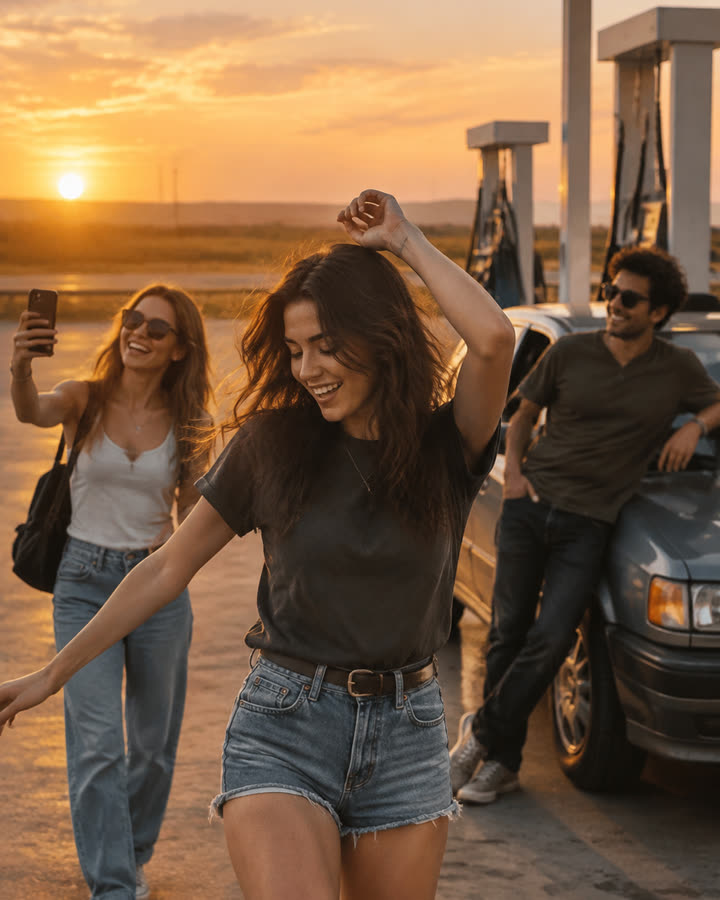
04 / 3 photos
Gas Station Dance
Choose one photo per person and a mode in the maker below. The new recipe targets dance, selfie and car-exit shots with original music. Each option opens after its own sample validation.
Try this effect