AI Video Effects: Your Photos in Trending Scenes
These AI video effects turn your own photos into short scenes from popular TikTok and Reels trends. Each effect rebuilds a trend's setting and mood from scratch: a golden-hour pier, an orange studio booth, a ceiling fan spinning over four outfits, a front-row seat as a train bursts off the cinema screen. Nothing is cut from another creator's video. Every frame is generated from the photos you add, and there's no app to install, no CapCut template to import and no prompt to write.
One account and one credit balance cover every effect. Credits come in one-time packs that never expire or in an optional monthly or yearly plan, and each effect shows its credit cost before you confirm. If a confirmed generation fails, the credits charged for that attempt are returned once. Finished results wait in your history for 30 days.
Choosing an effect mostly comes down to who is in the shot. Duo trends such as Raindance, Hotel Lobby, AI Hug and Zombie Hug need two photos, one per person, and the Gas Station Dance takes one photo for each person in the mode you pick. Solo transformations, such as Ceiling Fan Transition, Cartoon Clone Dance, AI Crying, Cinema Breakout and Burning Bridges, need just one photo of you. The 1980s Photo is the odd one out: it delivers a still image instead of a video, and a single photo can include up to six adults.
Everyone pictured must be an adult (18+) who agreed to be included. Use your own photos or photos you have permission to use, and never photos of celebrities, public figures or minors. Uploads and results pass automated safety checks, and some get a quick human review. Each effect opens for generation only after its own sample checks for quality and rights, so every effect page shows its current status. Likeness, hands, clothing and motion can vary, so review each result before you share it.
Every effect
01 / 2 photos
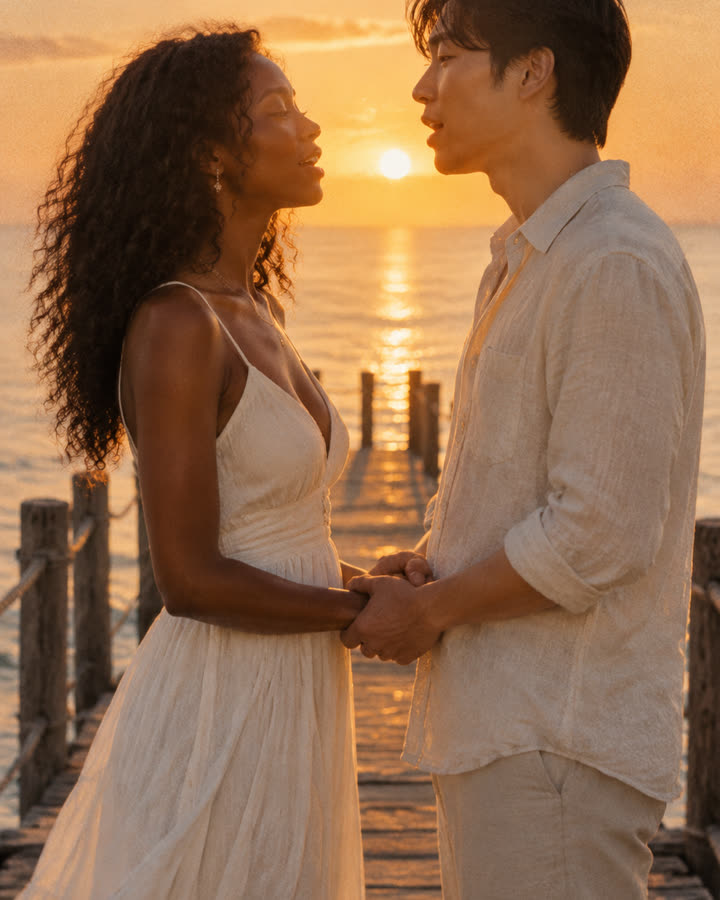
Raindance
Turn two photos into a short, silent golden-hour scene of two people singing to each other at the end of a seaside pier. Made from your photos, with no original footage or song.
Try this effect02 / 2 photos
Hotel Lobby
Turn two selfies, or one photo of you both, into a 12-second rap clip of you two on stage, with an AI beat and vocals rapping an original verse written around your names.
Try this effect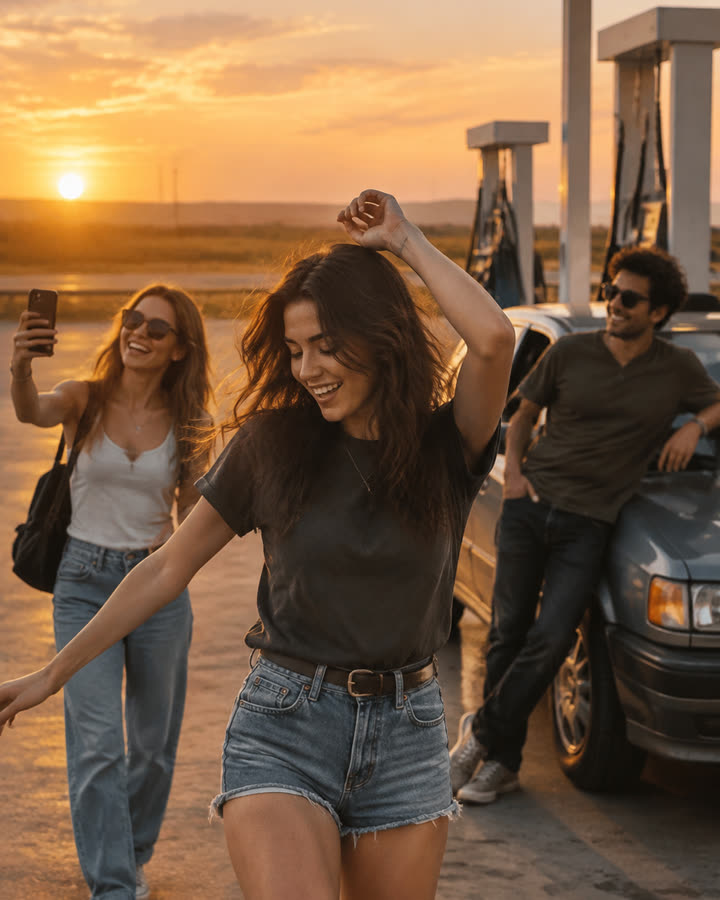
03 / 3 photos
Gas Station Dance
Choose one photo per person and a mode in the maker below. The new recipe targets dance, selfie and car-exit shots with original music. Each option opens after its own sample validation.
Try this effect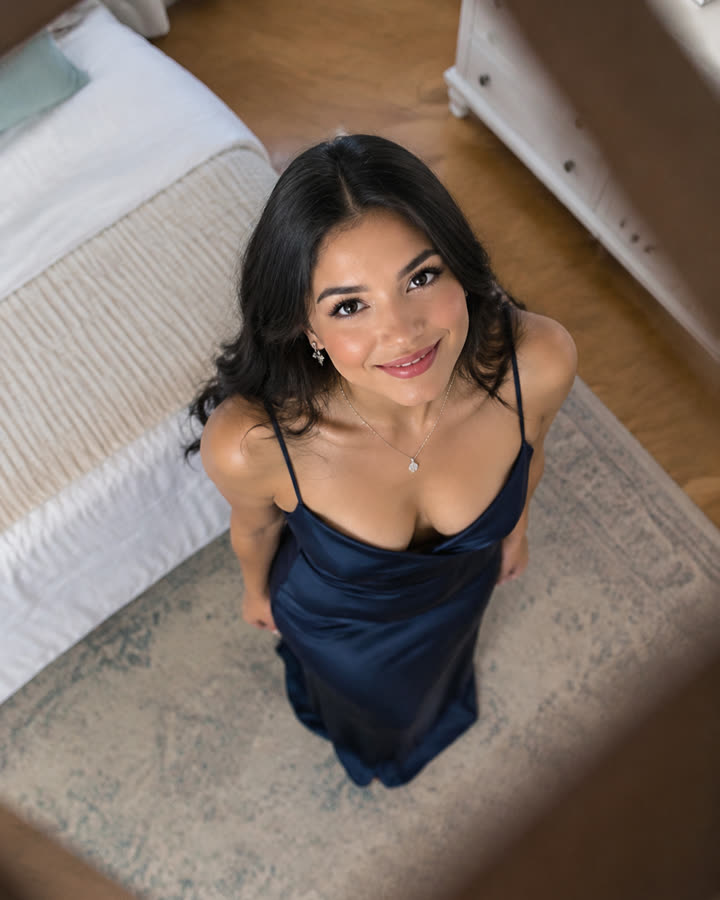
04 / 1 photo
Ceiling Fan Transition
Upload one photo and get a short, silent overhead clip where every pass of the fan blade switches you into a new outfit: four looks in one video.
Try this effect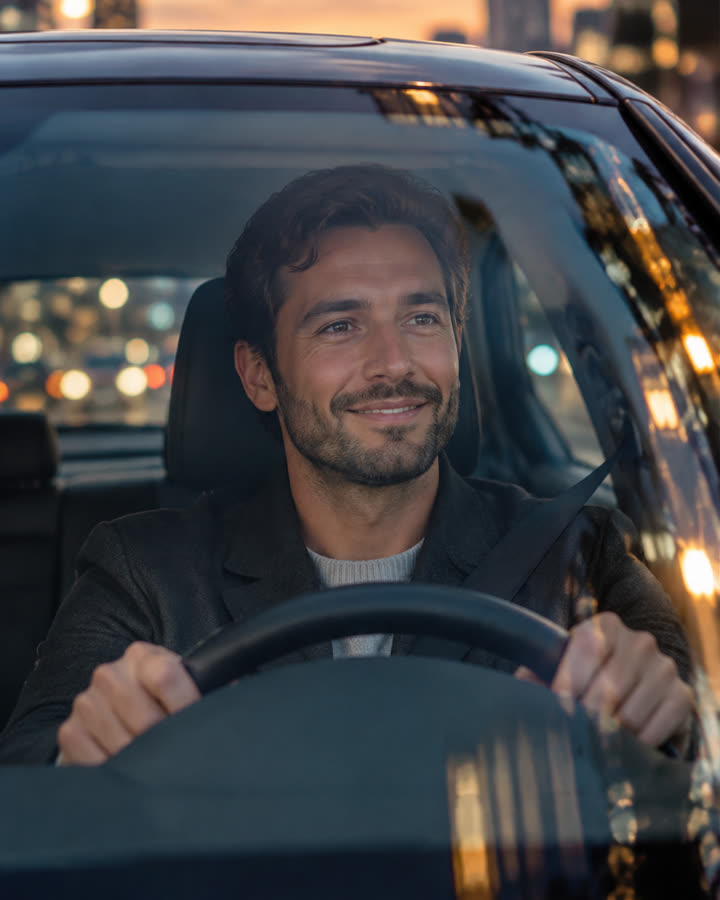
05 / 1 photo
Car Driving
Turn one photo into a short, silent clip of you driving a luxury car at dusk and waving through the windshield. No car brands or logos are shown.
Try this effect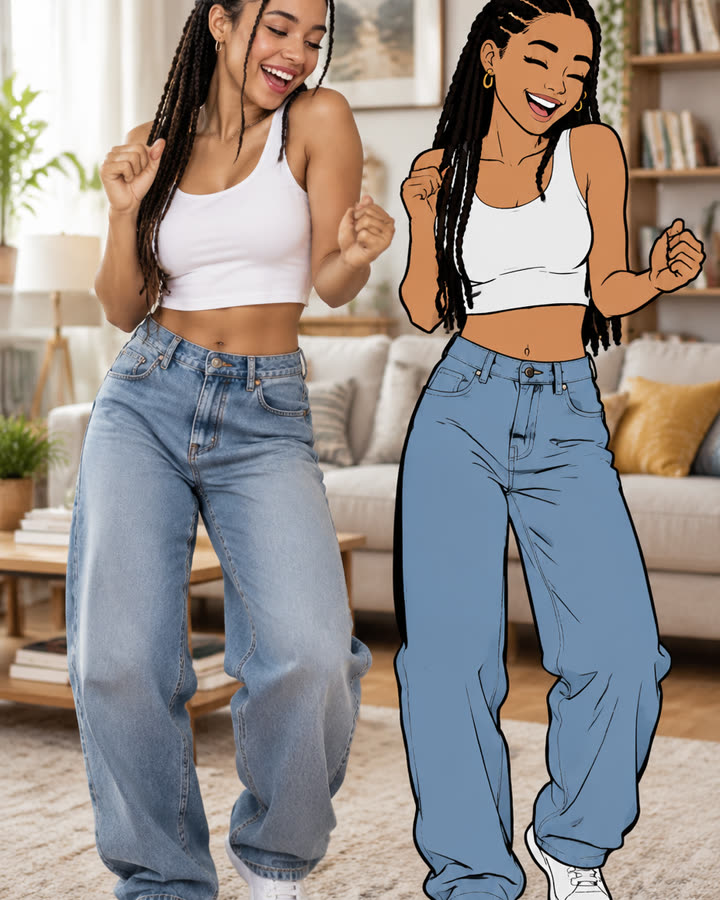
06 / 1 photo
Cartoon Clone Dance
One photo becomes a short, silent clip of you dancing next to a flat 2D cartoon version of yourself that copies your moves a beat too late.
Try this effect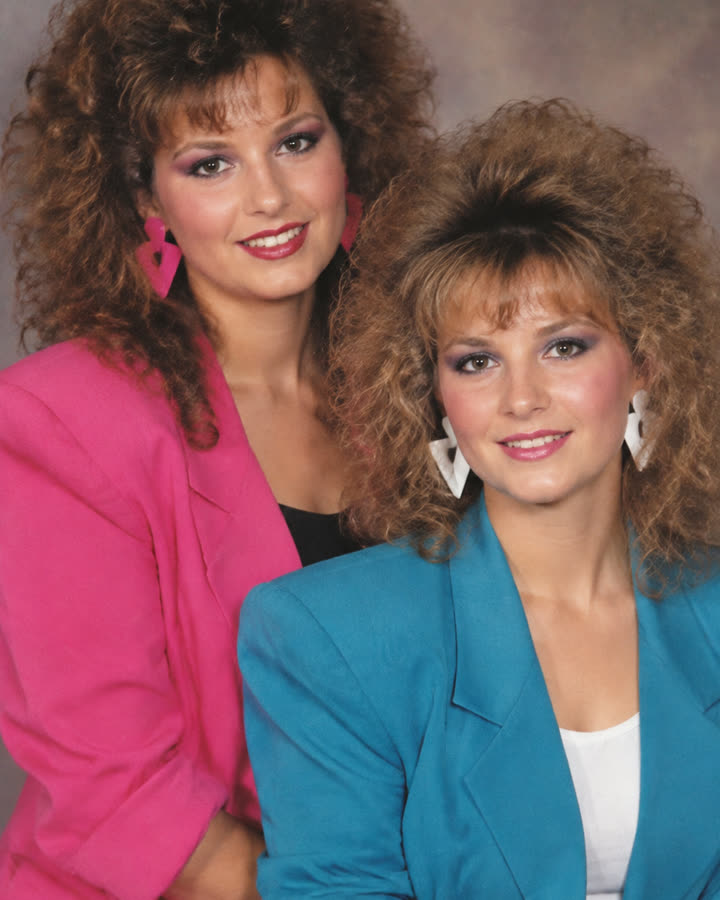
07 / 1 photo
1980s Photo
Turn a selfie, couple or friends photo into an authentic-looking 1980s portrait with period hair, fashion and faded film color. Delivered as a still image.
Try this effect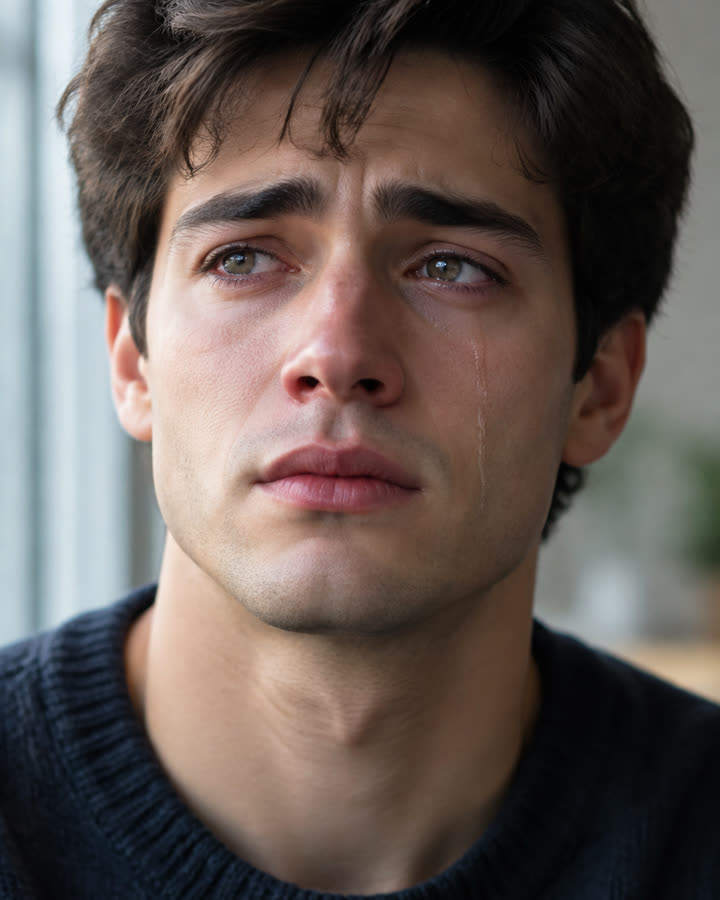
08 / 1 photo
AI Crying
Turn one face photo into a short, silent close-up where a soft expression slowly gives way to tears. Subtle, realistic and ready to share.
Try this effect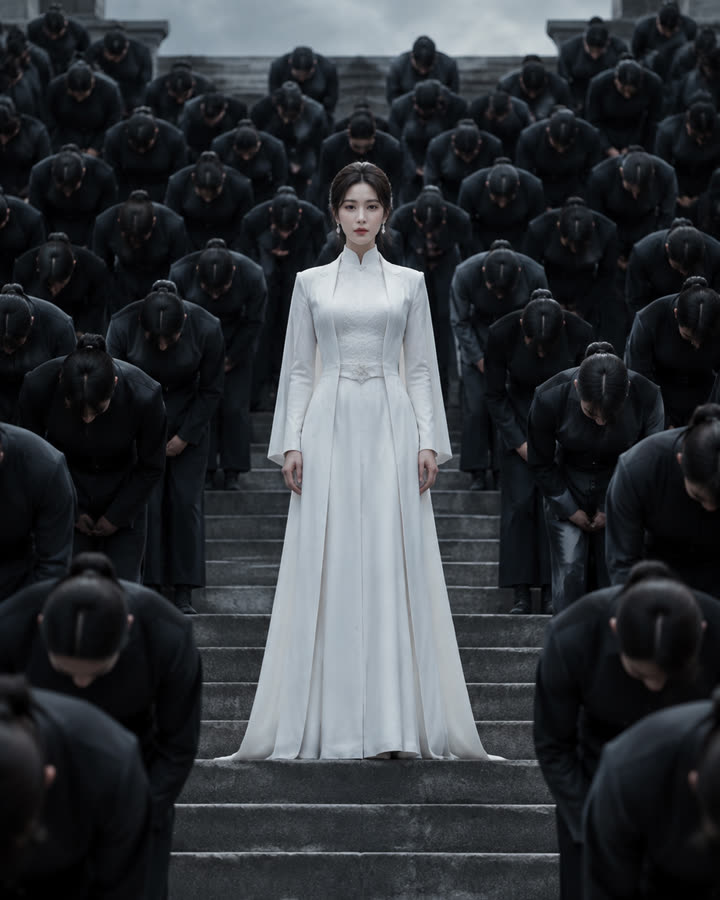
09 / 1 photo
Storm
Stand in white at the center of stone steps while a crowd in dark uniforms bows in perfect sync. A short, silent cinematic clip from one photo.
Try this effect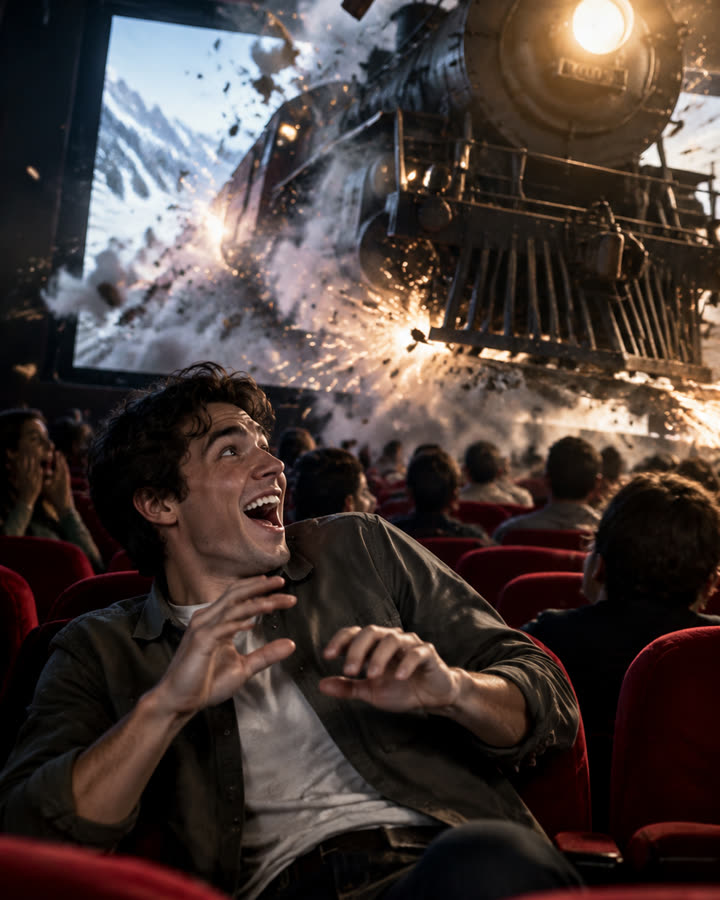
10 / 1 photo
Cinema Breakout
Sit in the front row of a packed cinema as a steam train smashes out of the screen toward you. A short, silent clip from one photo.
Try this effect11 / 2 photos
Zombie Story
One of you has turned. The other raises a pistol, cannot shoot, drops it and hugs them, then the clip cuts to a happy memory of you both. 12 seconds, vertical, with an emotional score.
Try this effect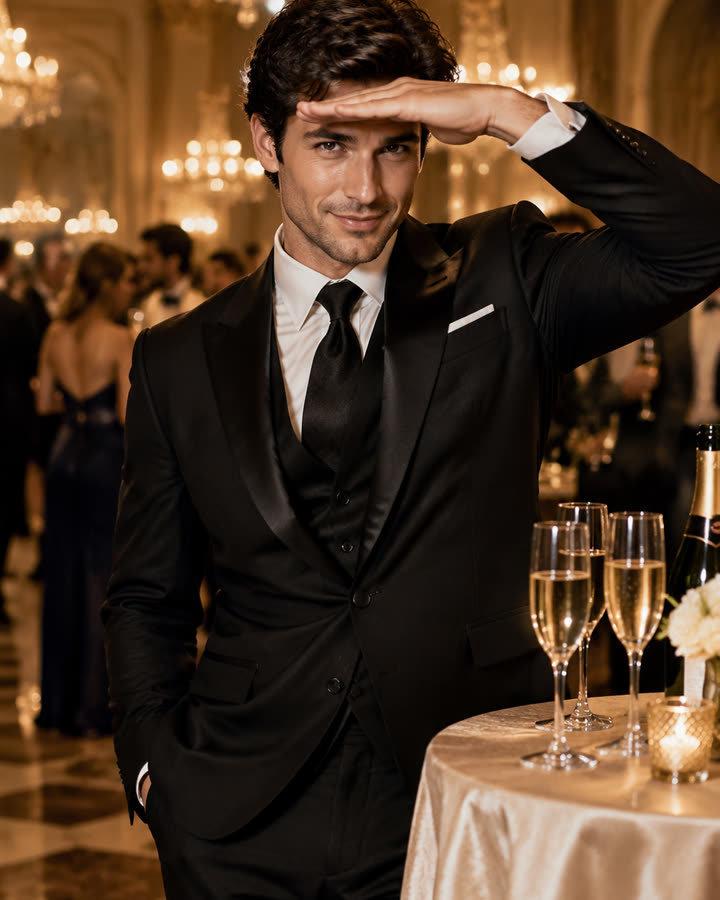
12 / 1 photo
Burning Bridges
Step out of a glamorous chandelier party, pour the champagne glasses with a confident smile and finish with the hand-over-the-eyes look. A short, silent clip from one photo.
Try this effect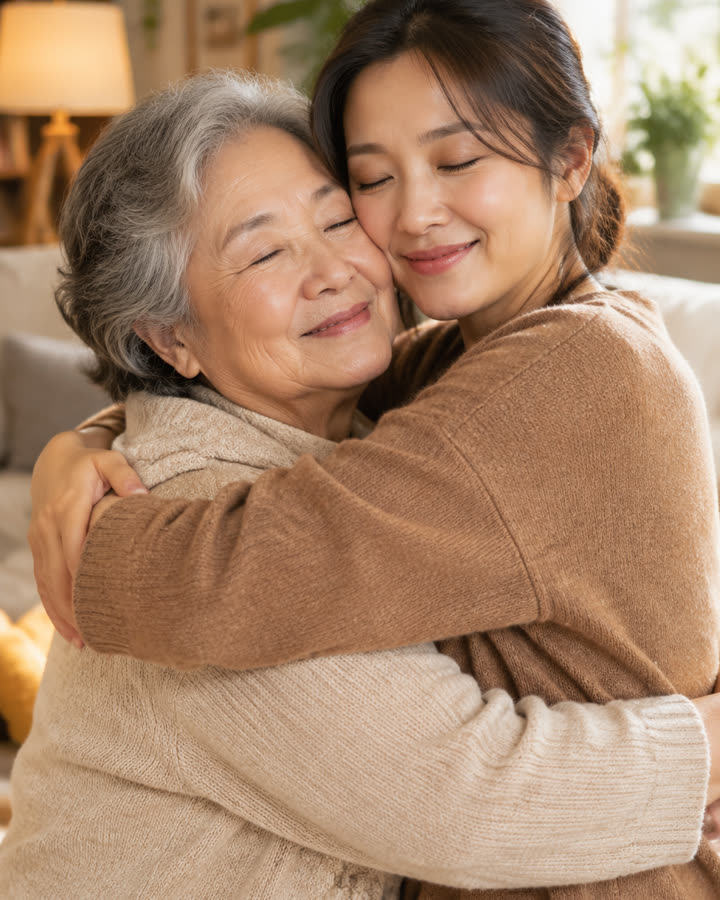
13 / 2 photos
AI Hug
Turn two photos into a short, silent clip of two people sharing a warm, natural hug in a cozy living room. For friends, family or someone you miss.
Try this effect
14 / 1 photo
Bulin 47
Create a fixed 12-second vertical clip from one photo. Choose 480p for 5 credits or 720p for 10 credits.
Try this effectBefore you create
How do these AI video effects work?
Pick an effect, add the photos it asks for, sign in and check the credit cost shown before you confirm. The effect generates a new scene from your photos, runs automated safety checks and saves the result to your history, where you can download it for 30 days.
How many photos do I need?
It depends on the effect. Solo transformations need one photo of one adult. Duo trends need one photo per person, and group modes take one photo for each person in the scene. The 1980s Photo uses a single photo that can include up to six adults.
Which effects make videos and which make photos?
Most effects make a short video clip that you download as an MP4. Photo effects, such as the 1980s Photo, deliver a still image file instead. Most clips are silent, with no lip-sync, so you can add your own licensed audio; each effect page says whether its clip has sound.
How is the cost shown?
Each effect shows its credit cost in the maker before you confirm, and the credits are charged only when you do. Credits come in one-time packs that never expire, or in an optional monthly or yearly plan. A confirmed failed generation returns the credits charged for that attempt once, and unused paid credits can be refunded within 168 hours of payment.
Can I use any photo?
No. Use photos of yourself or of adults who agreed to be included, and only photos you have the right to use. Photos of celebrities, public figures and anyone under 18 are not allowed. A sharp, well-lit photo with a clearly visible face gives the best results.
Do I need an app?
No. Every effect runs in your web browser on a phone or a computer. There's no app to install, no CapCut template to import and no prompt to write; each effect already describes its scene.