1 photos
AI Crying Video: A Tearful Close-Up From One Photo
Turn one face photo into a short, silent close-up where a soft expression slowly gives way to tears. Subtle, realistic and ready to share.
- One face photo
- Gradual, realistic emotion
- Close-up framing that keeps your photo's shape
Make a Hotel Lobby rap video
Add two selfies and get a 12-second rap duo video with an original song written around your names.
Make our rap videoYour photos in. A share-ready result out.
Choose a scene
Pick an effect and check which photos it needs. Real examples appear after review.
Add your people
Give each role its own clear photo of a consenting adult.
Confirm, then create
Review the credits, generate, and download from your history.
The short answer
An AI crying video turns one photo of a face into a short, emotional close-up. In this effect, a soft expression slowly gives way to tears: the lips tremble, the eyes fill up and a single tear rolls down one cheek. It recreates the look of the AI crying filter trend as a real video file, made from a still photo rather than a live camera filter. The clip runs about 5 seconds and is silent.
What's new
- Expanded the page with a step-by-step guide, photo tips and answers to common questions.
How to make it
- 1
Add one face photo
In the maker above, add a clear head-and-shoulders photo of one adult: you, or someone who agreed to it. You can pick it on this device before signing in; it stays in your browser and uploads only after you sign in.
- 2
Sign in
Sign in to upload the photo and keep the clip in your history. One account and one credit balance cover every effect.
- 3
Check the cost, then confirm
The maker shows the credit cost and the clip length before anything is charged. Confirm when both look right; the credits are charged when the task is created.
- 4
Let it animate
This effect animates your photo directly, with no restyled image in between, so it has a single generation step. Automated safety checks run on the result, and some results get a quick human review, usually within a day.
- 5
Download the MP4
When it's ready, download the MP4 from your history. Results are kept for 30 days, so save the file you want to keep.
What you get
- One short video, about 5 seconds by default, as an MP4 file.
- A close-up made for head-and-shoulders photos, with a static camera.
- A gradual change: a soft expression turns emotional, the lips tremble, the eyes fill with tears and a single tear rolls down one cheek.
- Subtle, realistic emotion rather than exaggerated sobbing.
- A clip that starts from your own photo, so the framing and lighting begin with the picture you add.
- A silent clip with no lip-sync, so you can add your own licensed audio or simply a caption.
Photo tips
- Use a head-and-shoulders photo of one adult, with the face large and sharp in the frame.
- Keep both eyes open and looking roughly toward the camera; it gives the tears something to work with.
- A neutral or soft expression works better than a big laugh or an open-mouth smile.
- Look for soft, even light on the face. Avoid harsh shadows, sunglasses, masks and beauty filters.
- Since the clip starts from your photo, crop it close to head and shoulders, the way you want the close-up to look.
- Upload a sharp JPEG, PNG, WebP or AVIF file under 10 MB.
Good to know
This effect has one fixed performance: a slow turn from a soft expression to tears, with a single tear. You can't choose a different emotion, add sobbing or change the setting. The face comes from your photo, but the expression is generated, so details such as eye shape, teeth or skin texture can shift, and the tear may not fall exactly where you expect. Exact likeness is not guaranteed. The clip is silent, with no lip-sync. Please don't present it as real footage of someone's grief, or use it to mislead or upset anyone. Each effect opens for generation only after its own sample checks, and the status shown on this page tells you whether this one is open.
Before you create
What is the AI crying trend?
It's a trend where a still photo becomes a short clip of the person welling up and shedding a tear, often shared with a dramatic or funny caption. This effect makes that clip from one face photo: a soft expression that slowly turns emotional, trembling lips, filling eyes and a single tear.
How do I make an AI crying video?
Add one clear face photo in the maker above, sign in, check the credit cost and length shown, then confirm. The effect animates the photo, runs safety checks and saves the clip to your history, where you can download the MP4.
Is this a live AI crying filter?
No. It isn't a real-time camera filter or an AR lens. You add a still photo, and a short video is generated from it. That means you can use a photo you already have, as long as you have the right to use it, and the result is an MP4 file you can download and post.
Do I need an app, a CapCut template or a prompt?
No. It runs in your web browser, with no app to install, no CapCut template to import and no prompt to write. The expression change is already set by the effect.
How many photos and people does it need?
One photo, and it must show exactly one adult. It's a single-person close-up, so group photos aren't a fit. If your favorite shot includes other people, crop it to one face first, and only use it if that person agreed.
Does the video include music or sound?
No. The clip is silent, with no crying sounds, voice, song or lip-sync. After downloading, you can add your own licensed audio or a voiceover you have the right to use.
How long is the video, and where can I post it?
It runs about 5 seconds by default, and the exact length is shown with the credit cost before you confirm. The MP4 works on TikTok, Instagram Reels, YouTube Shorts and in messages. Follow each platform's rules and use its AI-content label where one applies.
How much does it cost?
The credit cost is shown in the maker before you confirm. Credits come in one-time packs that never expire, or in an optional monthly or yearly plan. If a confirmed generation fails, the credits charged for that attempt are returned once, and unused paid credits can be refunded within 168 hours of payment.
What photo works best?
A sharp head-and-shoulders photo of one adult, with both eyes open, a neutral or soft expression and even light on the face. Avoid sunglasses, masks, heavy beauty filters, side profiles and tiny faces.
Can I use someone else's photo or a celebrity's?
Only with that adult's permission, and only if you have the right to use the photo. Photos of celebrities, public figures and anyone under 18 are not allowed. Never use the effect to mislead, mock or harass anyone. Uploads and results pass automated safety checks, and some get a human review.
Is this a face swap?
No. It doesn't put your face onto someone else's crying footage. Your own photo is animated, so the face, hair and clothes come from your picture, and the tears and the change of expression are generated new.
What happens if a generation fails or the result looks off?
If a confirmed generation fails, the credits charged for that attempt are returned to your balance once. Some results wait for a quick human review, usually within a day. If a finished clip looks wrong, open a support ticket from your account settings. Results stay in your history for 30 days.
Make your AI crying video
Add one clear face photo in the maker above, check the credit cost, and confirm when you're ready. You'll get a short, silent close-up that's ready for your caption.
Start with your photosTry another scene
09 / 1 photo
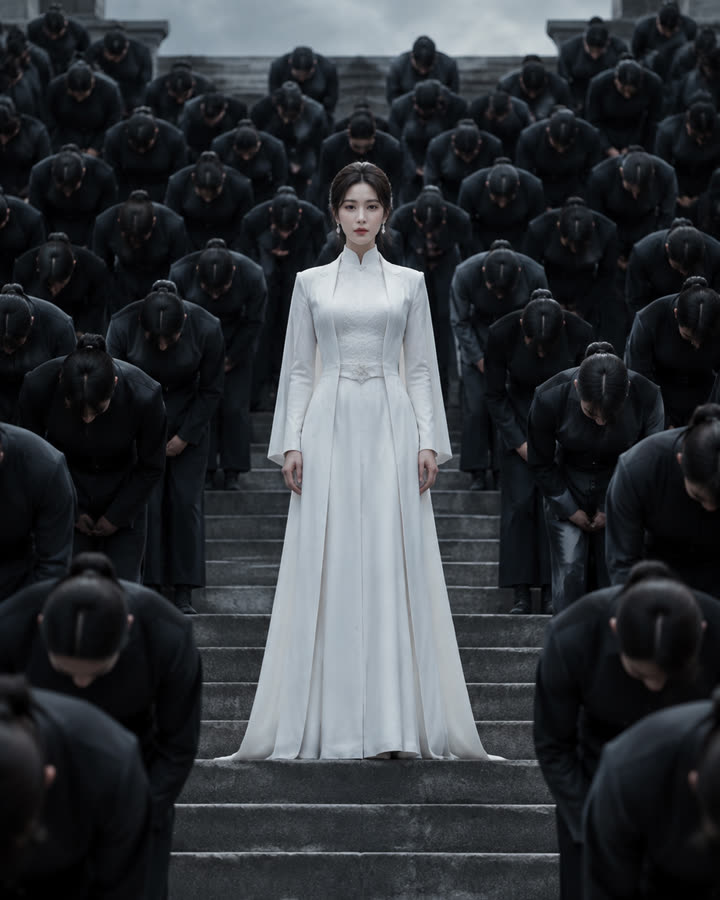
Storm
Stand in white at the center of stone steps while a crowd in dark uniforms bows in perfect sync. A short, silent cinematic clip from one photo.
Try this effect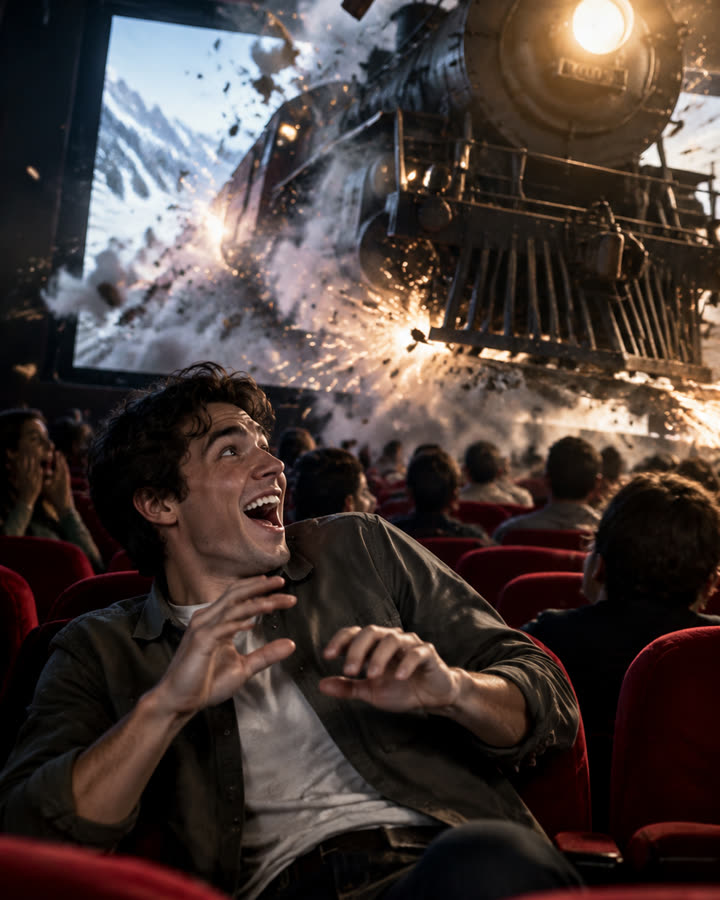
10 / 1 photo
Cinema Breakout
Sit in the front row of a packed cinema as a steam train smashes out of the screen toward you. A short, silent clip from one photo.
Try this effect11 / 2 photos
Zombie Story
One of you has turned. The other raises a pistol, cannot shoot, drops it and hugs them, then the clip cuts to a happy memory of you both. 12 seconds, vertical, with an emotional score.
Try this effect