3 photos
Gas Station Dance AI: Turn Your Photos into the Gas Station Trend
Choose one photo per person and a mode in the maker below. The new recipe targets dance, selfie and car-exit shots with original music. Each option opens after its own sample validation.
- One photo per person
- Dance, selfie close-up and car exit
- Check every photo before you create
Make a Hotel Lobby rap video
Add two selfies and get a 12-second rap duo video with an original song written around your names.
Make our rap videoThe short answer
To make the gas station dance AI video, pick solo, duo or trio in the maker above, add one clear photo per person, then confirm the roles and the credit cost. The AI generates a sunset scene at a roadside gas station with an unbranded car, about 10 seconds long and vertical 9:16. The new recipe targets three shots (a dance, a selfie close-up and a car exit) with an original instrumental track. No app, CapCut template or prompt is needed.
What's new
- Expanded the page with a step-by-step guide, photo tips and answers to common questions, including how the solo, duo and trio modes work.
How to make it
- 1
Choose solo, duo or trio
Pick how many people appear: one, two or three, with one photo per person. Then pick a quality level. Each mode and quality level opens only after its own sample checks, and the maker shows whether the option you picked is open.
- 2
Add one photo per person
Add a clear photo for each role in order: the dancer, the selfie walker, then the person by the car. Duo uses the first two roles and solo uses only the dancer. You can pick photos on this device before signing in; they stay in your browser for up to 24 hours and upload only after you sign in.
- 3
Sign in and confirm
Sign in, check that each photo is in the right role and confirm that everyone pictured is an adult who agreed to be included. The credit cost and video length are shown before you confirm, and credits are charged when the task is created.
- 4
Let the AI build the scene
The AI generates the gas station scene from your photos and animates it. Every result goes through automated safety checks, and some also get a quick human review, usually within a day.
- 5
Download and share
Download the MP4 from your history, where results are kept for 30 days. Watch the whole clip and check each face and role before you post it to TikTok, Reels or Shorts.
What you get
- One, two or three people from one photo each, in solo, duo or trio mode.
- A photorealistic sunset scene at a roadside gas station with a plain parked car, without badges, logos or brand names.
- About 10 seconds in vertical 9:16; basic quality targets 720p.
- The new recipe targets three shots in order: about 4 seconds of dancing, a 3-second selfie close-up and a 3-second car exit.
- The new recipe also targets an original instrumental track with no lyrics. Earlier silent results keep their original format.
- An MP4 download, saved in your history for 30 days.
Photo tips
- Use one adult per photo and a different person for each role. A group photo or collage cannot replace separate photos.
- Pick a sharp photo with the full face visible and facing the camera, in even light. Avoid sunglasses, masks, heavy filters and strong shadows.
- Waist-up or full-length photos help, because the dance and car-exit shots show much more than the face.
- Wear what you want to be seen in: the new recipe aims to keep each person's clothing from their photo, though details can still change.
- Name your files by role (dancer, selfie walker, person by the car) so each photo lands in the right slot.
- Use JPEG, PNG, WebP or AVIF files under 10 MB, and only photos you own or have permission to use.
Good to know
Gas Station Dance builds a new scene from your photos; it is not an edit of any existing clip. The three-shot cut with an original instrumental track is what the new recipe targets, not a promise for every option. Faces, hands, clothing and movement can vary, the dance won't follow any specific choreography, and exact likeness is not guaranteed. In duo and trio scenes, identities can occasionally mix or one person can block another, so check each person across the whole clip. The gas station and car are generic and unbranded, and there is no option to change the car or the location.
Before you create
What is the gas station dance trend?
It's a short-video trend on TikTok and Instagram Reels where people dance loosely at a gas station with a road-trip mood. The AI version recreates that kind of scene from photos, so nobody has to film at a real gas station. This maker sets it at an unbranded roadside station at sunset.
How do I make a gas station trend AI video?
Choose solo, duo or trio in the maker above, add one clear photo per person and sign in. Check the roles and the credit cost, then confirm. After generation and the safety checks, download the MP4 from your history.
Do I need an app, a CapCut template or a prompt?
No. It all runs in your phone or computer browser on this page. There's no app to install, no CapCut template to find and no prompt to write: the setting, shots and timing are preset. You choose a mode, add photos and confirm.
How many photos do I need, and can I do it alone or with friends?
One photo per person, always one adult per photo: one for solo, two for duo and three for trio. In the new recipe's plan, a solo dancer appears in all three shots. In duo, both people dance, the second person takes the selfie and the first steps out of the car. In trio, each person gets their own shot. Each mode opens only after its own sample checks.
Does it include music?
The new recipe targets an original instrumental track with no lyrics, running under the full 10 seconds. It is not the trend's original song. Results made with the earlier single-scene recipe are silent and keep that format. You can still use your own audio when you post, as long as you have the rights to it.
How long is the gas station AI video?
About 10 seconds in vertical 9:16. The new recipe targets roughly 4 seconds of dancing, then a 3-second selfie close-up and a 3-second car exit. Basic quality targets 720p. The length is shown with the credit cost before you confirm.
How much does it cost?
Each attempt uses credits, and the cost for your mode and quality level is shown before you confirm. Credits come in one-time packs that never expire, or in an optional monthly or yearly plan. A confirmed failed generation returns the credits charged for that attempt once. Unused paid credits can be refunded within 168 hours of payment under the refund policy.
What photos work best?
A sharp, evenly lit photo of one adult with the whole face visible. Waist-up or full-length shots help, since the dance and car-exit shots show more than the face. Avoid group photos, sunglasses, masks, heavy filters and tiny faces.
Can I use a celebrity's or a stranger's photo?
No. Celebrities, public figures and minors are not allowed. Everyone pictured must be an adult who agreed to be included, and you must own each photo or have permission to use it. You confirm this before generating.
Is it a face swap?
No. A face swap pastes a face onto existing footage. Here the gas station, the car, the light and every movement are generated new from your photos. That is also why details can differ from your photos, so review the result before sharing.
Where can I post my gas station video?
Anywhere vertical video works: TikTok, Instagram Reels, YouTube Shorts or a group chat. It downloads as a standard MP4. Get the OK from everyone who appears in it before you post.
What if the generation fails?
If a task is confirmed as failed, including a result blocked by the safety check, the credits charged for that attempt are returned once. If the outcome is unclear, the task stays pending while it is checked, so look in your history before starting again. If a person or role looks wrong, contact support with the task ID.
Ready for your gas station scene?
Pick solo, duo or trio in the maker above, add one clear photo per person, and check the roles and credit cost before you confirm. Your 10-second vertical video will stay in your history for 30 days.
Start with your photosTry another scene

04 / 1 photo
Ceiling Fan Transition
Upload one photo and get a short, silent overhead clip where every pass of the fan blade switches you into a new outfit: four looks in one video.
Try this effect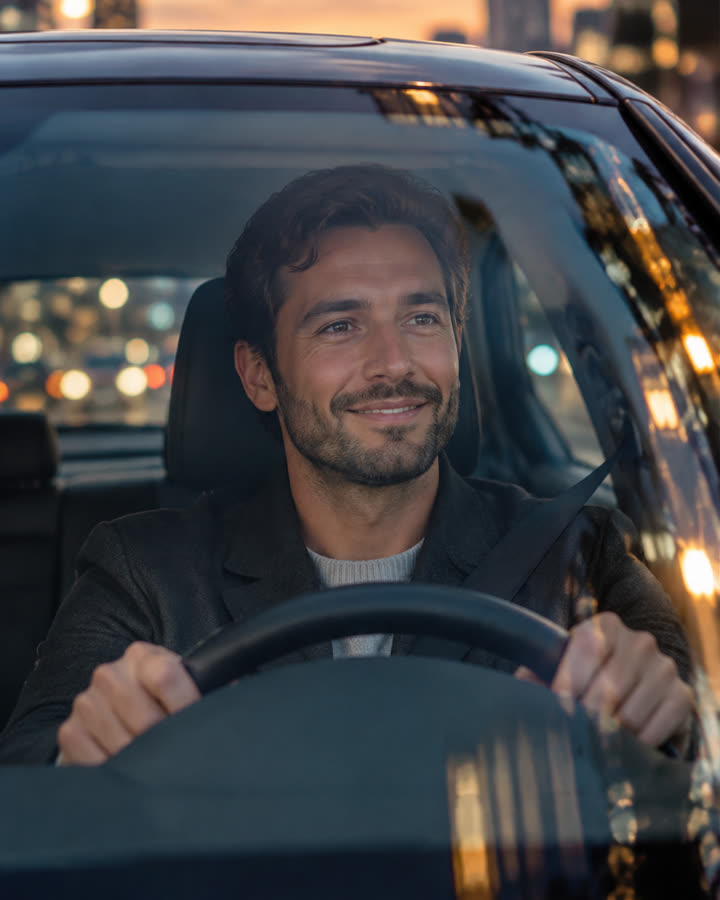
05 / 1 photo
Car Driving
Turn one photo into a short, silent clip of you driving a luxury car at dusk and waving through the windshield. No car brands or logos are shown.
Try this effect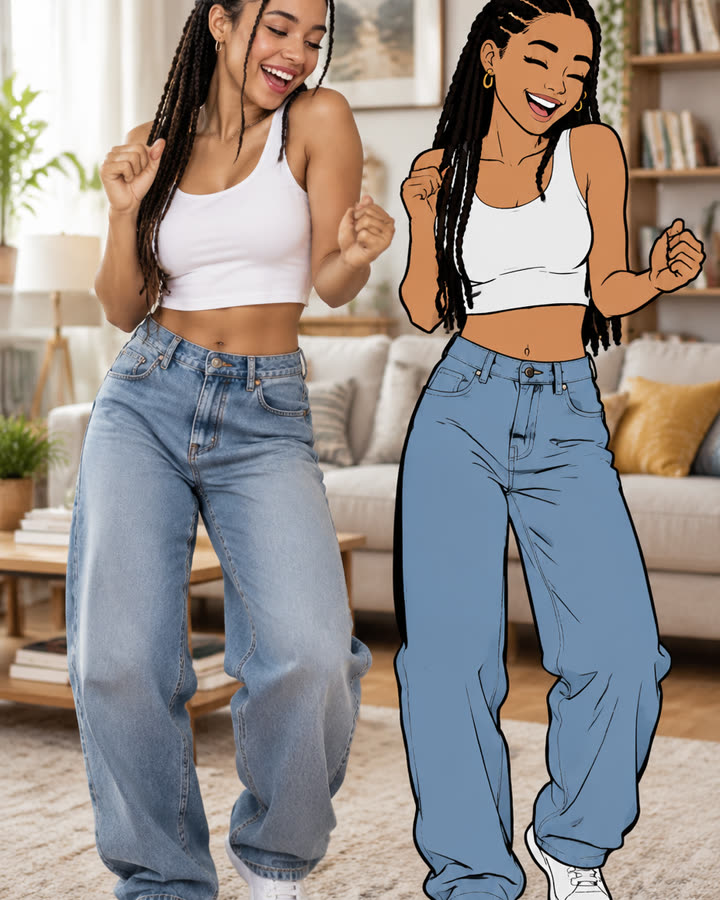
06 / 1 photo
Cartoon Clone Dance
One photo becomes a short, silent clip of you dancing next to a flat 2D cartoon version of yourself that copies your moves a beat too late.
Try this effect