1 photos
1980s AI Photo: Step Into an 80s Portrait Studio
Turn a selfie, couple or friends photo into an authentic-looking 1980s portrait with period hair, fashion and faded film color. Delivered as a still image.
- Works with solo, couple and group photos
- Period hair, outfits and film grain
- One still photo in the shape of your original
Make a Hotel Lobby rap video
Add two selfies and get a 12-second rap duo video with an original song written around your names.
Make our rap videoYour photos in. A share-ready result out.
Choose a scene
Pick an effect and check which photos it needs. Real examples appear after review.
Add your people
Give each role its own clear photo of a consenting adult.
Confirm, then create
Review the credits, generate, and download from your history.
The short answer
The 1980s AI photo effect turns one picture, solo or group, into an authentic-looking photograph from the 1980s. It restyles everyone with period hair, fashion and makeup, then adds warm faded film color, light grain, a soft on-camera flash and a simple studio backdrop. It aims to keep the same people in the same arrangement. It works with up to six consenting adults, and you get a still image to download, not a video.
What's new
- Expanded the page with a step-by-step guide, photo tips and answers to common questions.
How to make it
- 1
Add one photo
In the maker above, add one sharp photo: a selfie, a couple shot or a group of up to six adults. You can pick it on this device before signing in; it stays in your browser and uploads only after you sign in.
- 2
Sign in
Sign in to upload the photo and keep the finished image in your history. One account and one credit balance cover every effect, photo or video.
- 3
Check the cost, then confirm
The maker shows the credit cost before anything is charged. Make sure everyone in the photo is an adult who agreed to be included, then confirm; the credits are charged when the task is created.
- 4
Let it develop
The effect restyles the whole photo in one pass: period hair, clothes and makeup, faded film color, grain and flash. Automated safety checks run on the result, and some results get a quick human review, usually within a day.
- 5
Download the image
When it's ready, download the image file from your history. Results are kept for 30 days, so save the ones you want to keep.
What you get
- One still image, downloaded as an image file. There is no video, motion or sound.
- The same people as in your photo, in the same arrangement, with the effect aiming to keep each face and identity as they are in the original.
- Period styling: 1980s hairstyles, fashion and makeup for everyone in the picture.
- A film look: warm faded color, light grain and a soft on-camera flash against a simple portrait-studio backdrop.
- The shape of your original photo, so a wide group shot stays wide and a tall selfie stays tall.
- Room for one to six adults in a single photo.
Photo tips
- Make sure every face is visible and in focus; small or blurred faces are harder to keep recognizable.
- For a group, stand close together and roughly face the camera, with no one cut off at the edge.
- Use even light. A very dark or heavily filtered photo leaves less detail to restyle.
- Keep it to six people or fewer, and check that everyone pictured is an adult who agreed to be included.
- Skip sunglasses and hats if you want the full 80s hair treatment.
- Upload a sharp JPEG, PNG, WebP or AVIF file under 10 MB.
Good to know
This effect makes a still image, not a video. The 1980s look is set by the effect, so you can't choose a specific year, outfit or backdrop. It aims to keep each face, the number of people and their arrangement, but small details can change: a hairline, glasses, jewelry, hands or the exact pose. Large groups and small faces are the hardest to keep accurate. Exact likeness is not guaranteed. Each effect opens for generation only after its own sample checks, and the status shown on this page tells you whether this one is open. Check the image before you share it.
Before you create
What is the 1980s AI photo trend?
It's the trend of turning a modern photo into something that looks like it came out of a 1980s photo album: big hair, bold fashion, makeup of the era and the soft, faded color of old film. This effect does it from one photo of you, your partner or your friends, and returns a single still image.
How do I make an 80s AI photo?
Add one photo in the maker above, sign in, check the credit cost shown, then confirm. The effect restyles the picture with period hair, clothes, makeup, film color, grain and flash, then runs safety checks. When it's ready, download the image from your history.
Do I need an app, a filter or a prompt?
No. It runs in your web browser, with no app to install, no CapCut template or filter pack to import and no prompt to write. The 1980s look is already set by the effect.
Can I use a group photo?
Yes. One photo can include up to six people, as long as everyone pictured is an adult (18+) who agreed to be included. The effect aims to keep the same number of people and their arrangement. Faces that are small in a wide group shot are the hardest to keep recognizable, so a closer framing helps.
How many photos do I need?
Just one. Everyone who should appear in the 80s portrait needs to be in that single photo; the effect doesn't combine people from separate pictures.
Is it a video, and does it have sound?
No to both. The 1980s AI photo delivers one still image, with no motion and no sound. If you want a moving clip, the video effects on this site build a short scene from your photo instead.
How much does it cost?
The credit cost is shown in the maker before you confirm. Credits come in one-time packs that never expire, or in an optional monthly or yearly plan. If a confirmed generation fails, the credits charged for that attempt are returned once, and unused paid credits can be refunded within 168 hours of payment.
What photo works best?
A sharp, evenly lit photo where every face is visible and roughly facing the camera. Solo portraits, couples and small groups standing close together work well. Avoid heavy filters, very dark shots, tiny faces and people cut off at the edges.
Can I use someone else's photo or a celebrity's?
Only photos of yourself or of adults who agreed to be included, and only if you have the right to use the photo. Photos of celebrities, public figures and anyone under 18 are not allowed, including in group shots. Uploads and results pass automated safety checks, and some get a human review.
Is this a face swap?
No. It doesn't paste your faces onto an old photo or someone else's picture. Your own photo is restyled: the people and their arrangement come from your picture, while the hair, clothes, color and backdrop are reimagined for the 1980s.
Where can I post my 80s photo?
Anywhere you share images: an Instagram post or story, a TikTok photo post or your group chat. The image keeps the shape of your original photo. Follow each platform's rules and use its AI-content label where one applies.
What happens if a generation fails or the result looks off?
If a confirmed generation fails, the credits charged for that attempt are returned to your balance once. Some results wait for a quick human review, usually within a day. If a finished image looks wrong, open a support ticket from your account settings. Results stay in your history for 30 days.
Make your 1980s portrait
Add one photo of yourself or your crew in the maker above, check the credit cost, and confirm when everyone is on board. You'll get a still image with period hair, fashion and faded film color, ready to download and share.
Start with your photosTry another scene
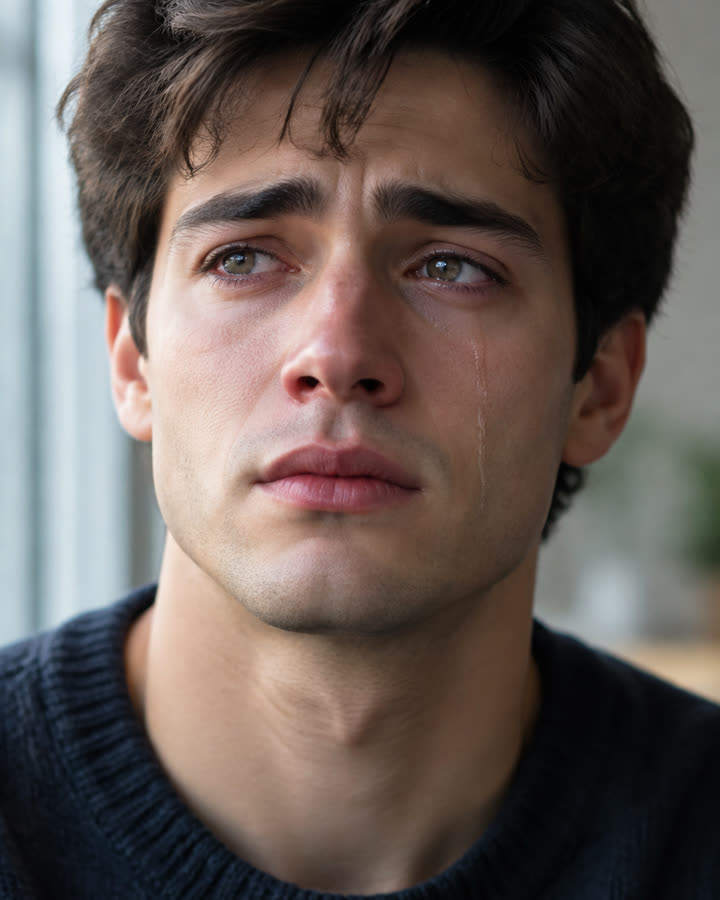
08 / 1 photo
AI Crying
Turn one face photo into a short, silent close-up where a soft expression slowly gives way to tears. Subtle, realistic and ready to share.
Try this effect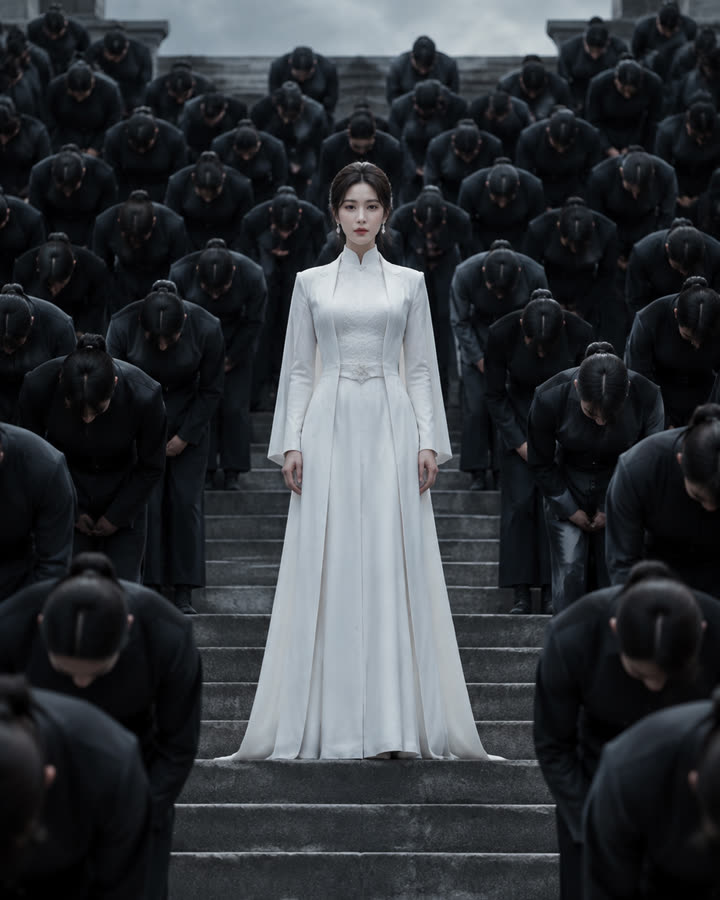
09 / 1 photo
Storm
Stand in white at the center of stone steps while a crowd in dark uniforms bows in perfect sync. A short, silent cinematic clip from one photo.
Try this effect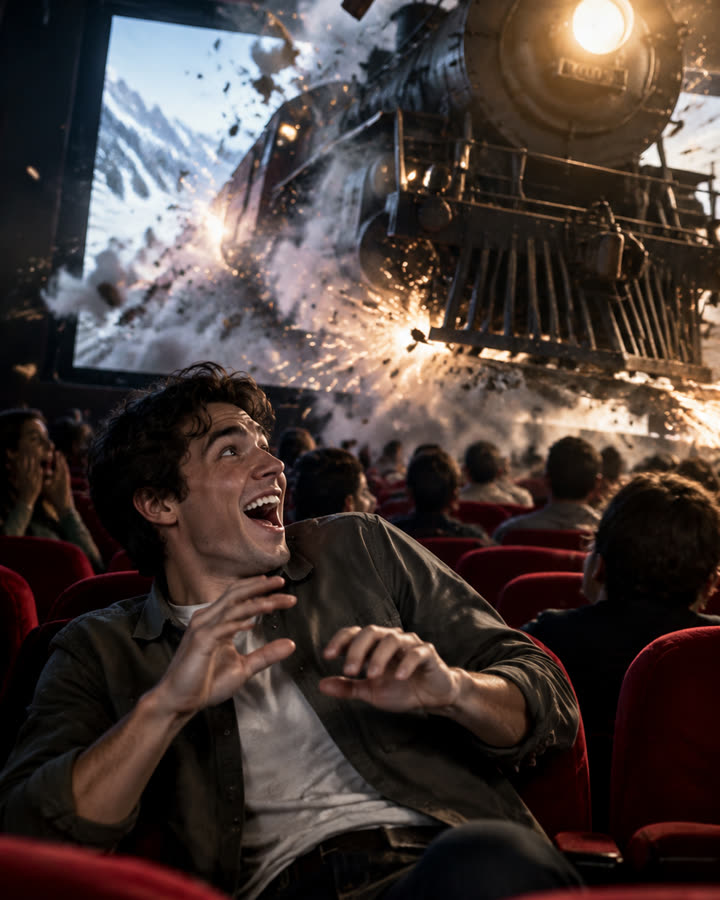
10 / 1 photo
Cinema Breakout
Sit in the front row of a packed cinema as a steam train smashes out of the screen toward you. A short, silent clip from one photo.
Try this effect