1 photos
Storm AI Trend: Stand in White While the Crowd Bows
Stand in white at the center of stone steps while a crowd in dark uniforms bows in perfect sync. A short, silent cinematic clip from one photo.
- One photo, a cinematic crowd scene
- Synchronized bow and wave
- Moody overcast look
Make a Hotel Lobby rap video
Add two selfies and get a 12-second rap duo video with an original song written around your names.
Make our rap videoYour photos in. A share-ready result out.
Choose a scene
Pick an effect and check which photos it needs. Real examples appear after review.
Add your people
Give each role its own clear photo of a consenting adult.
Confirm, then create
Review the credits, generate, and download from your history.
The short answer
The Storm AI trend puts you at the center of wide stone steps, dressed head to toe in white, while dozens of people in identical dark uniforms bow to you in unison and then rise in one sharp wave. You stay still and stare into the camera as it slowly pushes in. Add one clear photo, sign in, check the credit cost and confirm. You get a silent vertical 9:16 MP4 of about 10 seconds.
What's new
- Expanded the page with a step-by-step guide, photo tips and answers to common questions.
How to make it
- 1
Open the Storm maker
Start in the maker at the top of this page. This effect needs a single photo, and the maker shows whether it is open for new videos right now.
- 2
Add your photo
Pick one clear photo of one adult facing the camera. You can choose it on your device before you sign in. It stays in your browser for up to 24 hours and uploads only after you sign in.
- 3
Sign in, check and confirm
Sign in and check your photo. The credit cost and length of this attempt are shown before you confirm, and nothing is charged until you do. You also confirm that the person pictured is an adult who agreed to be included.
- 4
Wait for generation and review
A still frame of you on the steps, surrounded by the crowd, is generated from your photo and then animated. The result goes through an automated safety check, and some results also get a short human review, usually within a day.
- 5
Download and post
Download the MP4 from your history under My videos once it is ready. Results are kept for 30 days, so save a copy. The clip is silent, so add audio you have the rights to use when you post it.
What you get
- You alone at the center of wide stone steps, dressed head to toe in white and facing the camera.
- Dozens of people in identical plain dark uniforms standing around and behind you in a tight formation.
- One dramatic moment: the crowd bows deeply in unison, then rises in a single sharp wave, while you stay completely still and stare into the lens.
- A photorealistic, overcast and desaturated look with a slow push-in toward you.
- A silent vertical 9:16 MP4 of about 10 seconds by default, with no music, so you can add audio you have the rights to use.
- A download in your history that stays available for 30 days after the video is ready.
Photo tips
- Use a photo of one adult facing the camera with the whole face visible. You are the focal point of a wide scene, so a clear face matters.
- Full-body or half-body photos work best, because the scene shows you standing on the steps.
- A calm, neutral expression suits the scene, since you stay still and look straight into the camera.
- Choose even light. Avoid sunglasses, masks, hats that shade your eyes, heavy filters and group photos.
- You will be dressed in white, so your face and build matter more than the clothes in your photo.
- Use JPEG, PNG, WebP or AVIF files under 10 MB, and only photos you own or have permission to use.
Good to know
This is an AI-generated scene, not a recording, and results vary from one attempt to the next. Your face, hands and movement can differ from your photo, and exact likeness is not guaranteed. You are always dressed in white, so your own clothes won't appear. Large crowds are hard for AI: some people in the background can move out of time, blur together or show odd faces and hands, so review the whole clip before you share it. The steps, uniforms, weather and camera move are fixed, and you can't add friends to the scene.
Before you create
What is the Storm AI trend?
It's a cinematic trend on TikTok and Instagram Reels in which one person in white stands at the center of a scene while a whole crowd in dark uniforms bows to them in perfect unison. This effect makes your own version of that look from one photo, with no crowd to gather and nothing to film.
How do I do the Storm AI trend?
Open the maker above and add one clear photo of yourself facing the camera. Sign in, check the photo and the credit cost, then confirm. After generation and the safety check, download the MP4 from your history. The maker also shows whether the effect is open right now.
Do I need an app, a CapCut template or a prompt?
No. It runs in your web browser on a phone or computer, so there's nothing to install. There's no CapCut template to download and no prompt to write: the steps, the crowd, the light and the bow are already set. You add one photo, check the cost and confirm.
How many photos do I need, and can I do it with friends?
One photo of one adult. You are the person in white, and the whole crowd is generated, so friends can't be placed in it. A friend can make their own Storm clip with their own photo, or you can make one for them with their photo and their permission.
Does the Storm video include the song?
No. The clip is silent: no song, music or voice is included. The drama comes from the picture itself, from the bow, the rise and your stare. When you post, add audio you have the rights to use, such as a sound the platform makes available to your account.
How long is the video, and where can I post it?
Each clip runs about 10 seconds by default and comes as a vertical 9:16 MP4. The exact length is shown with the credit cost before you confirm. It fits TikTok, Instagram Reels and YouTube Shorts, and if a platform asks you to label AI-generated content, use that label.
How much does the Storm AI trend cost?
The credit cost is shown before you confirm, so you know it before anything is charged. Credits come in one-time packs that never expire, or in an optional monthly or yearly plan. If a confirmed generation fails, the credits charged for that attempt are returned once. You can request a refund of unused paid credits within 168 hours of payment.
What photo works best for the Storm AI trend?
A clear full-body or half-body photo of one adult facing the camera, in even light. Avoid sunglasses, masks, heavy filters and group photos. Your outfit is replaced with white, so a clear face and posture matter more than what you wear.
Can I use a photo of a celebrity or someone else?
Not of a celebrity or public figure. Photos of other people are fine only if you own them or have permission, and only if the person is an adult (18+) who agreed to be included. Photos of minors are not allowed, and you should never make a video of someone without their consent.
Is this a face swap of an existing video?
No. It doesn't paste your face onto footage from the trend or from any music video. A new scene is generated from your photo: first a still frame of you on the steps with the crowd, then that frame is animated. The clip is silent and contains no original footage or music.
Will the whole crowd move perfectly in unison?
Not always. Large crowds are hard for AI, so a few people may bow early or late, blur together or show odd hands and faces. Watch the whole clip before you share it. If it doesn't work for you, a new attempt with a different photo may help, and each attempt uses credits.
What happens if the generation fails?
A confirmed failure, including a result blocked by the safety check, returns the credits charged for that attempt once. If your connection drops while you submit, use the recover option instead of starting over; it checks the same request without a second charge. For a finished clip that looks off, try a sharper, front-facing photo.
Make your Storm AI trend video
Pick one clear photo and use the Storm maker above. Check the credit cost, confirm, and download your silent 9:16 clip from your history when it is ready.
Start with your photosTry another scene
10 / 1 photo
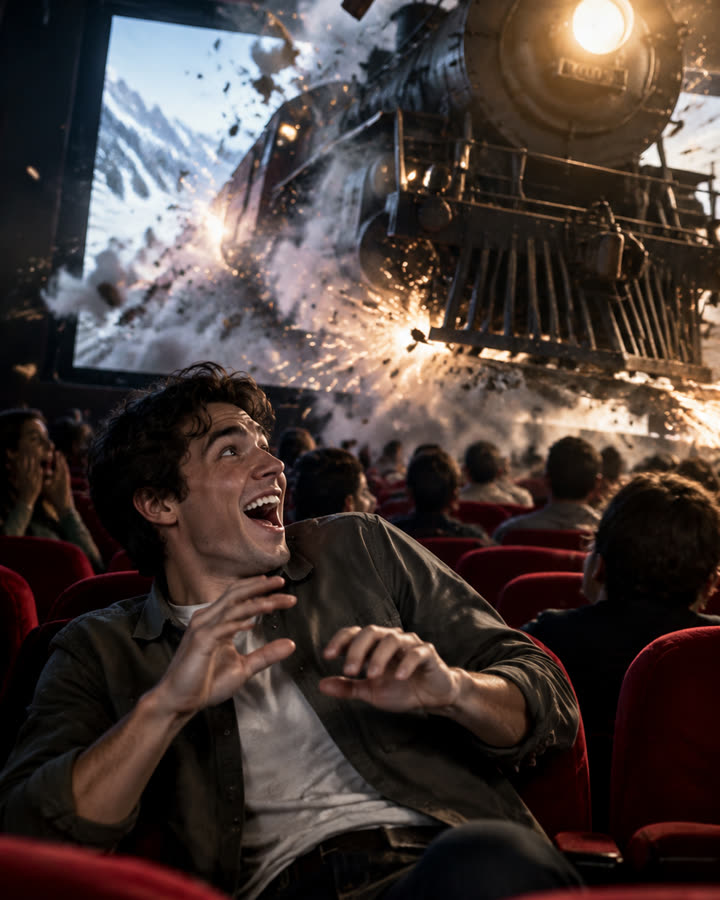
Cinema Breakout
Sit in the front row of a packed cinema as a steam train smashes out of the screen toward you. A short, silent clip from one photo.
Try this effect11 / 2 photos
Zombie Story
One of you has turned. The other raises a pistol, cannot shoot, drops it and hugs them, then the clip cuts to a happy memory of you both. 12 seconds, vertical, with an emotional score.
Try this effect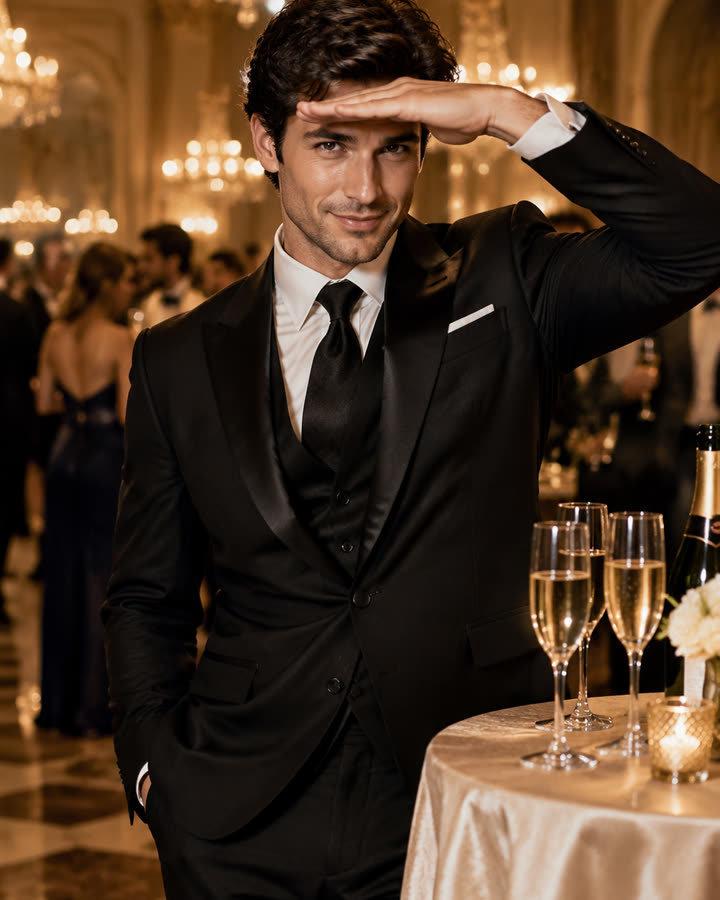
12 / 1 photo
Burning Bridges
Step out of a glamorous chandelier party, pour the champagne glasses with a confident smile and finish with the hand-over-the-eyes look. A short, silent clip from one photo.
Try this effect