2 photos
AI Zombie Trend: The Pistol, the Hug and the Memory
One of you has turned. The other raises a pistol, cannot shoot, drops it and hugs them, then the clip cuts to a happy memory of you both. 12 seconds, vertical, with an emotional score.
Example made with this effect, with sound. The two people are AI-generated, not real.
- Two photos, one per person
- Pistol, hug and a memory cut, like the trend
- Emotional score, no blood or gore
Upload one photo per person
Just two normal selfies, one face each. No gun or make-up needed: the AI adds the pistol, the zombie look and the ruined city. Front-facing, well-lit photos work best.
Quality and length
Cost: 10 credits · Credit packs from $9.99, never expire
By creating, you confirm you have permission to use both photos and everyone pictured is 18 or older. Terms of Service
Your photos in. A share-ready result out.
Choose a scene
Pick an effect and check which photos it needs. Real examples appear after review.
Add your people
Give each role its own clear photo of a consenting adult.
Confirm, then create
Review the credits, generate, and download from your history.
The short answer
The AI zombie trend from TikTok tells a short story: in a ruined city after the apocalypse, a survivor raises a pistol at a zombie, recognises the person they love, and drops the gun. The zombie hugs them instead of attacking, then the video cuts to a happy memory of both of you in a wheat field. Add two photos, one per person, sign in and the zombie hug video starts by itself: about 12 seconds, vertical 9:16, with a generated piano and strings score.
What's new
- The effect now follows the full zombie trend story: the survivor with the pistol, the hug and the cut to a happy memory, with a generated instrumental score. The default length is 12 seconds, and you can now choose the model, quality, length and format before generating.
- Published the zombie hug page with a step-by-step guide, photo tips and answers to common questions.
How to make it
- 1
Add the survivor photo
In the maker at the top of this page, add photo 1. This person is the survivor: they hold the pistol and stay human for the whole video. You can pick photos before signing in; they stay in your browser for up to 24 hours.
- 2
Add the zombie photo
Add photo 2. This person limps out of the haze as the zombie. To change who turns, just swap the two photos. Each photo must show one adult only.
- 3
Check the settings and the cost
The defaults are Standard quality, 720p, 12 seconds and vertical 9:16, which costs 10 credits. You can change the model, resolution, length and format; the credit cost updates as you change them and is always shown before you generate.
- 4
Press the button and sign in
Press the generate button. If you are not signed in yet, you sign in right on the page and the video starts by itself afterwards. Your photos go through an automated safety check first.
- 5
Wait a few minutes and download
Rendering usually takes about 3 to 5 minutes. You can leave the page and come back: the video waits for you under My videos. Results are kept for 30 days, so download the MP4 to keep it.
What you get
- Two people from two photos: photo 1 is the survivor who holds the pistol and stays human, photo 2 is the person who turns into the zombie.
- A grey, ruined, abandoned city street after the apocalypse, full of dust and haze, where the survivor raises an old pistol with shaking hands.
- A zombie who is still recognisably your person: ashen grey skin, dark shadows around clouded pale eyes and torn, dusty clothes. They limp closer, and the survivor, in tears, lowers the pistol and drops it.
- A hug instead of an attack: the zombie gently holds the survivor, who hugs back crying. Then a hard cut to a happy memory of you both, healthy and human, laughing and hugging in a golden wheat field at sunset. No gunshot, no blood, no wounds and no gore.
- An original instrumental score generated with the video, soft piano and strings that swell at the hug. There is no speech, no singing and no trend song.
- An MP4 of about 12 seconds in vertical 9:16 at 720p by default, kept in My videos for 30 days.
Photo tips
- Use one adult per photo. Crop out anyone else, and skip group photos; a single photo of both of you will not work.
- Choose a clear, front-facing photo with the whole face visible. The zombie look is built on the face, so sharp eyes and skin help it stay recognisable.
- Avoid sunglasses, masks, hats that shade the eyes and heavy beauty filters.
- Try to use two photos with similar sharpness and light, so neither person looks much softer than the other.
- Use JPEG, PNG, WebP or AVIF files under 10 MB.
- Only use photos of adults (18+) who agreed to be in the video, and no celebrities or public figures.
Good to know
This is an AI-generated story, not a recording, and every attempt comes out a little different. Faces can drift from your photos and likeness is not guaranteed, especially for the zombie, whose make-up changes the face. Hands and the hug itself can look odd, with arms overlapping or fingers merging, and the pistol may look different each time. The story, the street, the wheat field memory and the score style are fixed; you choose the photos and the settings, not the plot. Watch the whole clip before you post it.
Before you create
What is the AI zombie trend?
It is a story format that spread on TikTok and Instagram Reels: a lone survivor in a ruined city aims a pistol at a zombie, realises it is someone they love, and cannot shoot. The zombie hugs them, and the video cuts to a happy memory from before. This page makes your own version from two photos, with nothing to film and no make-up.
How do I make a zombie hug video?
Add photo 1 (the survivor) and photo 2 (the zombie) in the maker above, check the settings and the credit cost, then press the button. Sign in on the page if asked and the video starts by itself. After about 3 to 5 minutes, download the MP4 from My videos.
Which person turns into the zombie?
The person in photo 2. The person in photo 1 is the survivor who holds the pistol and stays human. To change who turns, swap the two photos; there is no separate setting for it.
Do I need a photo holding a gun or in zombie make-up?
No. Use two ordinary selfies, one of each of you. The AI adds the pistol, the zombie skin and eyes, the torn clothes, the ruined city and the wheat-field memory in one render, so there is nothing to edit or generate beforehand. Just put the person who should turn in photo 2.
Is there a gunshot, blood or gore?
No. The survivor raises the pistol but never fires; they lower it and drop it. There is no gunshot, no blood, no wounds and no gore. The zombie look is limited to grey skin, shadowed clouded eyes and torn clothes, and the story ends in a hug and a warm memory.
Does the video have music or sound?
Yes. The model generates an original instrumental score with soft piano and strings that swells at the hug. There is no speech, no singing and no trend song. If you want the trend sound, you can still add a sound the platform offers when you post.
How long is the video, and which settings can I change?
By default it is 12 seconds, vertical 9:16, 720p, on Standard quality (Seedance 2.0 Mini). You can pick Standard, Fast, Pro or Ultra, 480p or 720p, a length from 5 to 15 seconds (the longest lengths only on the top tier) and 9:16, 1:1 or 16:9. The credit cost updates live.
How much does it cost?
The default video costs 10 credits, and the exact cost is always shown before you generate. Credits come in one-time packs that never expire: $9.99 for 10 credits (one standard video), $29 for 50, $99 for 350, $199 for 900 and $499 for 3000. Making a video is not free, but signing in costs nothing.
Can I use one photo of both of us, or a pet?
No. The effect needs exactly two photos with one adult in each, so both faces stay distinct. A single photo of two people will not work, and there is no pet option. Crop each person into a separate photo instead.
How long does it take, and do I have to wait on the page?
Rendering usually takes about 3 to 5 minutes. You do not need to stay: leave the page and find the finished video later under My videos, where it is kept for 30 days.
Can I use a photo of a celebrity or someone else?
Not of a celebrity or public figure. Photos of other people are fine only if they are adults (18+) who agreed to be in the video. Photos of minors are not allowed, and every photo passes an automated safety check before generation.
What happens if the generation fails?
If a confirmed generation fails, its credits are returned once. If the result looks off, try sharper, front-facing photos with even light. Unused paid credits can be refunded within 168 hours of payment.
Make your AI zombie trend video
Pick a clear photo of the survivor and one of the person who turns, check the settings and the credit cost, and press the button. In a few minutes you have your own zombie hug story, ready for TikTok, Reels or Shorts.
Start with your photosTry another scene
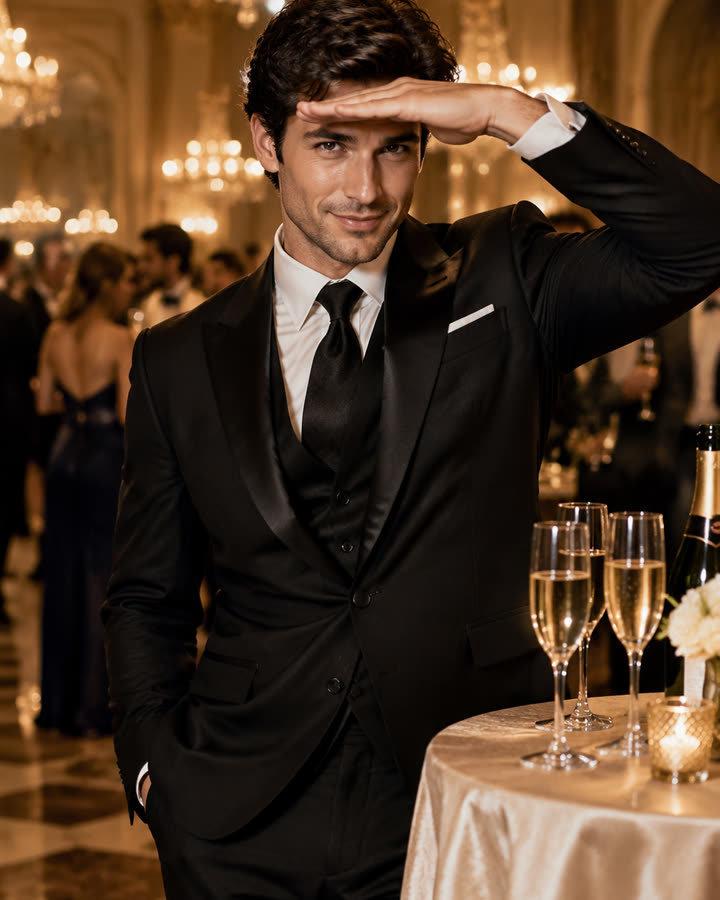
12 / 1 photo
Burning Bridges
Step out of a glamorous chandelier party, pour the champagne glasses with a confident smile and finish with the hand-over-the-eyes look. A short, silent clip from one photo.
Try this effect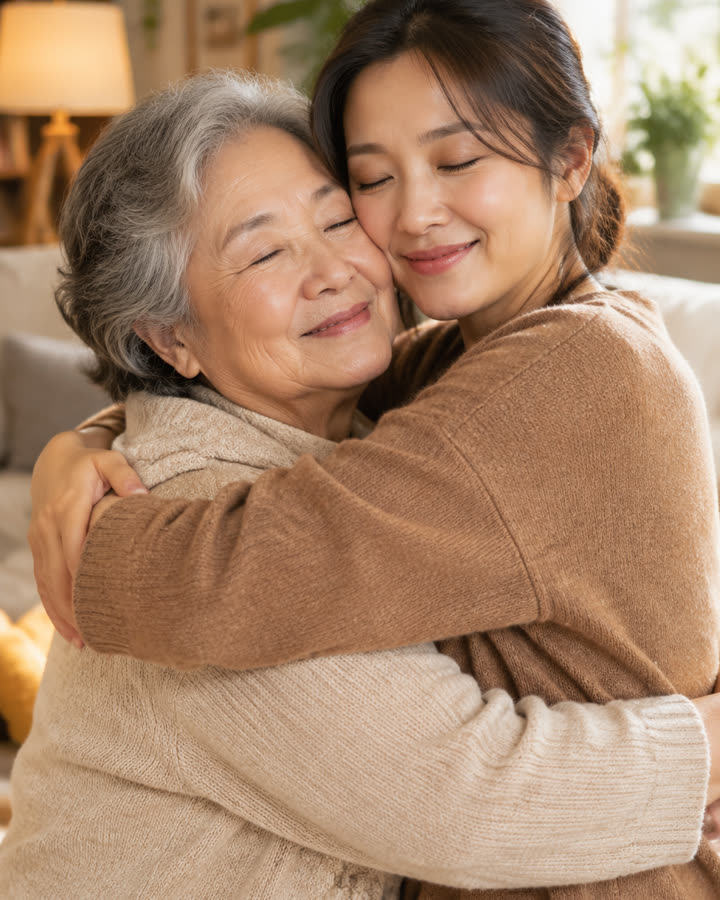
13 / 2 photos
AI Hug
Turn two photos into a short, silent clip of two people sharing a warm, natural hug in a cozy living room. For friends, family or someone you miss.
Try this effect
14 / 1 photo
Bulin 47
Create a fixed 12-second vertical clip from one photo. Choose 480p for 5 credits or 720p for 10 credits.
Try this effect