2 photos
Raindance AI Trend: Your Golden-Hour Pier Duet from Two Photos
Turn two photos into a short, silent golden-hour scene of two people singing to each other at the end of a seaside pier. Made from your photos, with no original footage or song.
- Two photos, two performers
- Golden-hour pier and duet mood
- Photo to video, no filming needed
Make a Hotel Lobby rap video
Add two selfies and get a 12-second rap duo video with an original song written around your names.
Make our rap videoYour photos in. A share-ready result out.
Choose a scene
Pick an effect and check which photos it needs. Real examples appear after review.
Add your people
Give each role its own clear photo of a consenting adult.
Confirm, then create
Review the credits, generate, and download from your history.
The short answer
To do the Raindance AI trend, add one clear photo of each person to the maker above, check the credit cost and confirm. The AI builds a new golden-hour scene of both people at the end of a wooden pier, swaying and singing softly toward each other. You get a silent vertical video of about 10 seconds. No filming, app, CapCut template or prompt is needed; add your own licensed audio when you post.
What's new
- Expanded the page with a step-by-step guide, photo tips and answers to common questions.
How to make it
- 1
Pick one photo per person
Choose a clear, recent photo for each of the two people. Person 1 appears on the left and Person 2 on the right, so put each photo in the slot you want. You can select photos on this device before signing in: they stay in your browser for up to 24 hours and upload only after you sign in.
- 2
Sign in and check the roles
Sign in to continue, then check that each photo sits in the right slot. Confirm that both people are adults who agreed to be included and that you have the right to use both photos.
- 3
Review the cost and confirm
The credit cost and the video length are shown before you confirm. Credits are charged once you confirm and the task is created, so take a last look at both photos first.
- 4
Let the AI build the scene
The AI first creates a still of both people on the pier, then animates it. Every result goes through automated safety checks, and some also get a quick human review, usually within a day.
- 5
Download, add sound and post
When it's ready, download the MP4 from your history, where results are kept for 30 days. Watch the whole clip, then add your own licensed audio in TikTok, Instagram Reels or your editor before you post.
What you get
- Two people from two photos: one adult per photo, with Person 1 on the left and Person 2 on the right.
- A photorealistic golden-hour scene at the end of a weathered wooden pier over a calm sea, with warm low sun, soft haze and light film grain.
- Both people sway gently and sing softly toward each other while a sea breeze moves their hair and the camera slowly pushes in.
- About 10 seconds by default, in vertical 9:16 for TikTok, Reels and Shorts.
- A silent MP4 with no song, no voice and no lip-sync, ready for audio you choose.
- Saved in your history for 30 days, so download it before then.
Photo tips
- Use one adult per photo. Crop out anyone else, and skip group shots and collages.
- Pick a sharp photo with the whole face visible and turned toward the camera, in soft, even light. Avoid sunglasses, masks, hats that shade the eyes and heavy beauty filters.
- Head-and-shoulders or waist-up framing works well. Tiny or distant faces give the AI less detail to work with.
- Try to use two photos with similar sharpness and lighting, so one person does not look much softer or darker than the other.
- The scene dresses both people in coordinated summer outfits, so choose photos for the face rather than the clothes.
- Use JPEG, PNG, WebP or AVIF files under 10 MB, and only photos you own or have permission to use.
Good to know
Raindance is a new scene generated from your photos, not an edit of the original trend video, so it won't copy any specific clip. Faces, hands, clothing and movement can vary from one attempt to the next, and exact likeness is not guaranteed. With two people in one frame, features can occasionally blend or hands can overlap, so watch the whole clip before you share it. The clip is silent: mouths may move as if singing, but there is no song, voice or lip-sync. The pier, the light, the outfits and the camera move are preset, with no options to change them.
Before you create
What is the Raindance AI trend?
It's a viral pier duet trend on TikTok and Instagram Reels: two people face each other by the sea in warm golden-hour light, swaying as if singing a duet. The AI version builds that kind of scene from photos instead of filming. This maker creates an original pier scene from your two photos; it doesn't use the original video or song, and the clip is silent.
How do I do the Raindance trend with AI?
Add one clear photo of each person to the maker above, sign in, check the roles and the credit cost, and confirm. The AI creates the pier scene and animates it. When the safety checks are done, download the MP4 from your history; the clip is silent, so add your own licensed audio when you post.
Do I need an app, a CapCut template or a prompt?
No. Everything happens on this page in your phone or computer browser. There's no app to install, no CapCut template to find and no prompt to write: the setting, light, movement and camera are preset. You only choose the photos and confirm.
How many photos do I need, and can I do it alone?
You need two photos: one of each person, with exactly one adult in each photo. Raindance is built as a duet, so it doesn't have a solo mode. Ask your friend or partner for a clear photo and their permission, or try one of the single-photo effects instead.
Does the video include the song?
No. The clip is silent: there is no song, no voice and no lip-sync. The two people move as if singing softly, but you add the sound. When you post on TikTok or Reels, choose audio you have the rights to use, for example a sound your account is allowed to use in that app.
How long is the Raindance video?
About 10 seconds by default, in vertical 9:16 format. The exact length for your attempt is shown next to the credit cost before you confirm. If you want a longer post, you can loop it or combine it with other clips in your editor.
How much does it cost?
Each attempt uses credits, and the cost is shown before you confirm. Credits come in one-time packs that never expire, or in an optional monthly or yearly plan. If a generation is confirmed as failed, the credits charged for that attempt are returned once. Unused paid credits can be refunded within 168 hours of payment under the refund policy.
What photos work best?
A sharp, well-lit photo of one adult with the whole face visible, ideally head-and-shoulders or waist-up. Avoid group shots, sunglasses, masks, heavy filters and tiny faces. Two photos with similar lighting help the pair look like they belong in the same scene.
Can I use a photo of a celebrity or someone else?
Not of celebrities, public figures or anyone under 18. You can use a photo of a friend or partner only if they are an adult, they agreed to be included and you own the photo or have permission to use it. You confirm this for both photos before generating.
Is Raindance AI a face swap?
No. A face swap pastes a face onto existing footage. Here, a new scene is generated from your two photos: the pier, the light and both people's movement are created from scratch. That's also why small details can differ from your photos.
Where can I post my Raindance video?
Anywhere vertical video works: TikTok, Instagram Reels, YouTube Shorts, Snapchat or a group chat. It downloads as a standard MP4. Because the clip is silent, add your own licensed audio before posting, and only share it if the other person is happy with that.
What happens if the generation fails?
If a task is confirmed as failed, including a result blocked by the safety check, the credits charged for that attempt are returned once. If the outcome is unclear, the task stays pending while it's checked, so look in your history before trying again. If a result looks wrong, contact support with the task ID.
Ready to make your Raindance video?
Add one clear photo of each person to the maker above, check the roles and the credit cost, and confirm when you're ready. Your silent pier scene, about 10 seconds long, will be in your history for 30 days.
Start with your photosTry another scene
02 / 2 photos
Hotel Lobby
Turn two selfies, or one photo of you both, into a 12-second rap clip of you two on stage, with an AI beat and vocals rapping an original verse written around your names.
Try this effect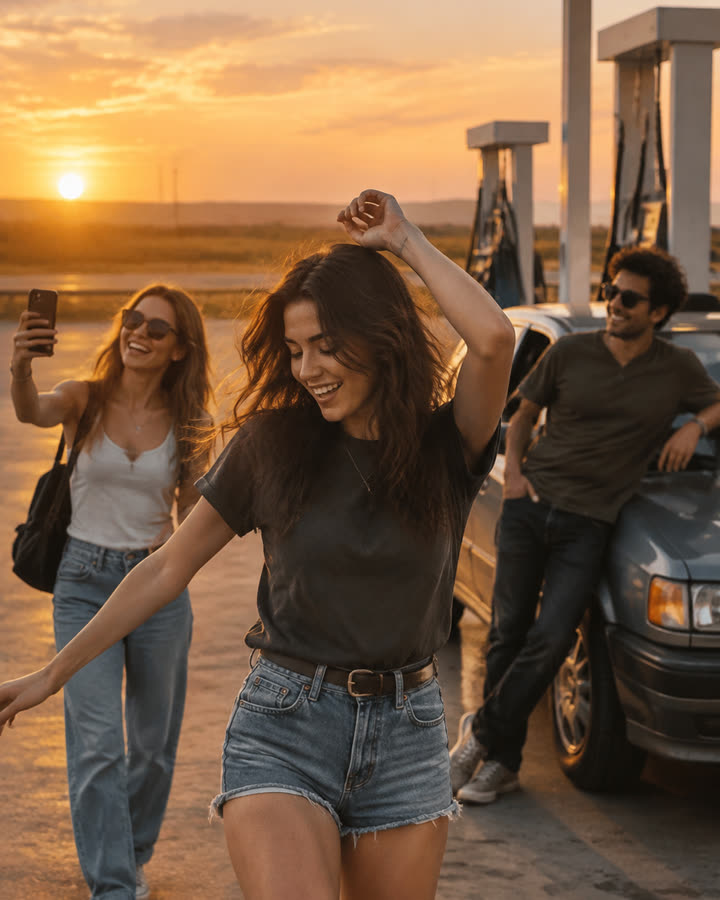
03 / 3 photos
Gas Station Dance
Choose one photo per person and a mode in the maker below. The new recipe targets dance, selfie and car-exit shots with original music. Each option opens after its own sample validation.
Try this effect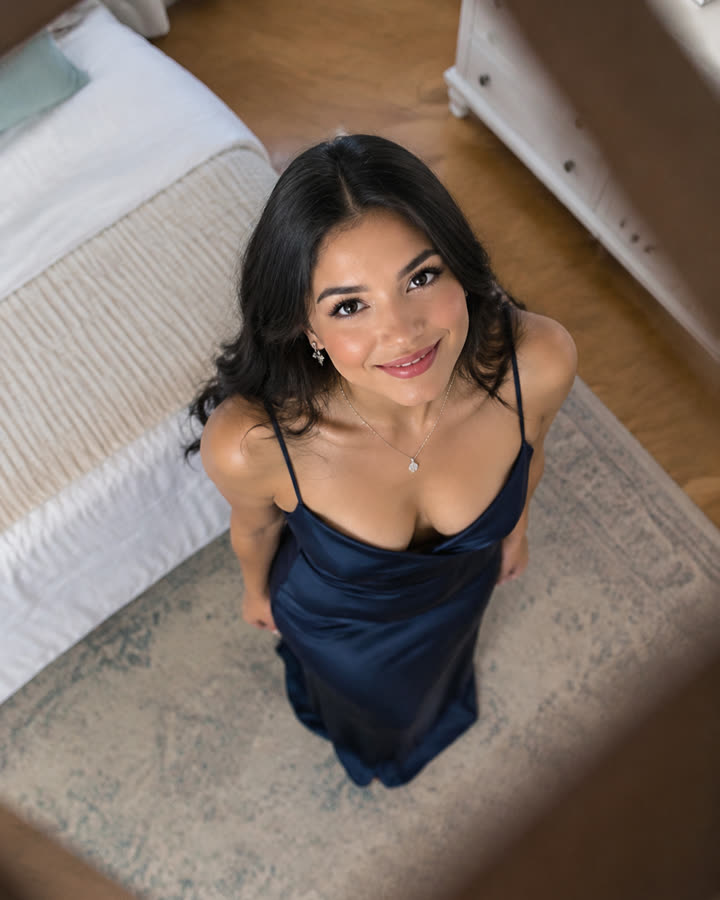
04 / 1 photo
Ceiling Fan Transition
Upload one photo and get a short, silent overhead clip where every pass of the fan blade switches you into a new outfit: four looks in one video.
Try this effect