2 photos
AI Rap Video Generator: You and a Friend, Rapping From Photos
Turn two selfies, or one photo of you both, into a 12-second rap clip of you two on stage, with an AI beat and vocals rapping an original verse written around your names.
Example made with this effect, with sound. The two people are AI-generated, not real.
- Two selfies or one photo of you both
- Beat and rap vocals in an original verse
- Four stages, lyrics written around your names
Upload one photo per person
Clear, front-facing photos with one face each work best. They can be taken at different times and places.
Choose a stage
Quality and length
What is the song about?
Optional: names and an occasion
We write the verse from what you type here. Names and one personal detail work best; leave it blank for a general party verse.
Cost: 10 credits · Credit packs from $9.99, never expire
By creating, you confirm you have permission to use both photos and everyone pictured is 18 or older. Terms of Service
Your photos in. A share-ready result out.
Choose a scene
Pick an effect and check which photos it needs. Real examples appear after review.
Add your people
Give each role its own clear photo of a consenting adult.
Confirm, then create
Review the credits, generate, and download from your history.
The short answer
An AI rap video is a short clip in which the people from your photos perform a rap together, with a generated beat and voices. Here you add two photos, or one photo of you both, pick a stage, say what the song is about and confirm the credit cost. A few minutes later you get a vertical 12-second MP4 of the two of you trading lines at one microphone. It makes duos only: solo and group raps are not offered.
What's new
- Opened this page for people looking for an AI rap video. It uses the same maker, four stages and credit prices as the Hotel Lobby AI video page.
How to make it
- 1
Choose who raps
In the maker at the top of this page, pick Separate photos (one clear selfie of each person) or Photo together (one photo with both faces side by side). Photo 1, or the person on the left, opens the verse. You can choose photos before you sign in: they stay in your browser for up to 24 hours and upload only after you sign in.
- 2
Pick a stage
Choose the bright orange booth that made rap duo clips popular, a luxury hotel lobby with marble and chandeliers, a dark studio booth lit in purple neon, or a street cypher at night in front of a graffiti wall.
- 3
Say what the song is about
Under "What is the song about?" type the names and one personal detail, for example "Sam and Priya, roommates who never do the dishes", up to 120 characters. Or tap Birthday, Anniversary, Best friends or My business. Leave it blank and you get a general party verse.
- 4
Confirm, wait and download
The standard video is 12 seconds, 720p and vertical for 10 credits; other models, lengths, resolutions and formats change the cost, which is always shown first. Sign in, confirm that everyone pictured is an adult who agreed to be in it, and the render starts. It takes a few minutes and passes an automated safety check, then the MP4 appears under My videos.
What you get
- A new performance, not a template: the two people from your photos side by side at a vintage microphone on the stage you chose.
- Sound in the file: a generated beat and two AI voices trading lines of a short original verse, then finishing the last line together.
- A verse written from what you typed, so names, an inside joke or the occasion can end up in the lyrics.
- By default a 12-second vertical 9:16 MP4 at 720p for TikTok, Instagram Reels and YouTube Shorts. Square, widescreen, shorter, longer and other resolutions are available at a different credit cost.
- No watermark, and a download in My videos that stays available for 30 days.
Photo tips
- Use photos of adults with the whole face visible and turned roughly toward the camera.
- Pick sharp, evenly lit photos. Sunglasses, masks, caps that shade the eyes, heavy beauty filters and hard shadows make faces drift.
- Head-and-shoulders or half-body shots work best. If a face is small in the frame, crop closer before you upload.
- Two separate selfies usually keep each face closer to the photo than one shared photo where both faces are small.
- Use JPEG, PNG, WebP or AVIF files under 10 MB, and only photos you own or have permission to use.
Good to know
Everything in the clip is generated, so results change from one attempt to the next and exact likeness is not guaranteed: faces, hands, clothes and movement can differ from your photos. The voices are AI voices, not yours, and they can't be set to sound like you or like any real rapper. The lip sync is AI-made too, so mouths can drift off the words and a line can come out slightly different from the written verse. You can't upload your own song, beat or full lyrics, make a solo rap or add a third person, and the camera and lighting of each stage are fixed. A request can also fail, be blocked by the safety check or wait for human review.
Before you create
What is an AI rap video?
It's a short video in which AI makes people perform a rap: the picture, the beat and the vocals are generated instead of filmed or recorded. The version people share most is the rap duo clip, where two friends, a couple or two relatives trade lines at one microphone in a small studio booth. This page makes that duo version from your own photos.
How do I make an AI rap video from photos?
Add two selfies or one photo of you both in the maker above, pick a stage and type what the song is about. Sign in, check the credit cost and confirm. When the video is ready, download the MP4 from My videos and post it. There is no app to install and no prompt to write.
Can I make a solo rap video of just me?
Not yet. The maker is built for two performers, so you need a second person: a friend, a partner, a sibling or a parent. Both must be adults who agreed to appear. If a solo version opens, it will be listed under What is new on this page.
Can I upload my own song, beat or lyrics?
No. You can't upload audio, and you can't paste a full set of lyrics. You type names and one detail, up to 120 characters, and we write a short original verse from it. You can replace the sound in an editing app after you download, but the mouths follow the generated verse, so they won't match your track.
Will the voices sound like us or like a famous rapper?
No. The two voices are generated for each video. They aren't cloned from your voice and don't imitate any artist, and the verse is original rather than taken from a real song. That also keeps the clip clear of someone else's recording when you post it.
What can the song be about?
Anything you can say in one line: a birthday, an anniversary, ten years of friendship, a new baby in the family, a friendly roast or a shout-out for a small business. Names plus one specific detail give the funniest verses. Keep roasts friendly; hateful, harassing or sexual requests are refused.
Which stages can I choose?
Four: the orange booth, a luxury hotel lobby with marble, gold and chandeliers, a dark studio booth with purple neon, and a street cypher at night with a graffiti wall. Each stage has a fixed camera and lighting, and all of them are generated.
How long is the video and how long does it take?
The standard video is about 12 seconds, vertical 9:16 at 720p. You can pick a shorter or longer clip, another resolution or a square or widescreen format before you confirm. Rendering usually takes a few minutes; you can leave the page and find the result under My videos.
Is the AI rap video generator free?
No, it isn't free. The standard video costs 10 credits, and other models, resolutions and lengths cost more or less; the cost is shown before you confirm. Credits come in one-time packs that never expire, starting at $4.99 for one 480p video or $9.99 for one standard video. A confirmed generation that fails returns its credits once, and unused paid credits can be refunded within 168 hours of payment.
Is this the same as the Hotel Lobby AI video?
Yes, it's the same maker, stages and prices. The Hotel Lobby AI video page explains that trend and its orange booth in detail; this page is for anyone who wants a rap video of two people for any occasion, whether or not they know the trend.
Who can be in the video?
Only adults (18+) who agreed to be included, in photos you own or have permission to use. Photos of celebrities, public figures and minors are not allowed. Many platforms ask you to label AI-generated videos, so use that label when you post.
Make your AI rap video
Pick a friend, add two clear photos or one photo of you both, choose a stage and type what the song is about. Check the credit cost, confirm, and download your rap duo clip from My videos when it is ready.
Start with your photosTry another scene
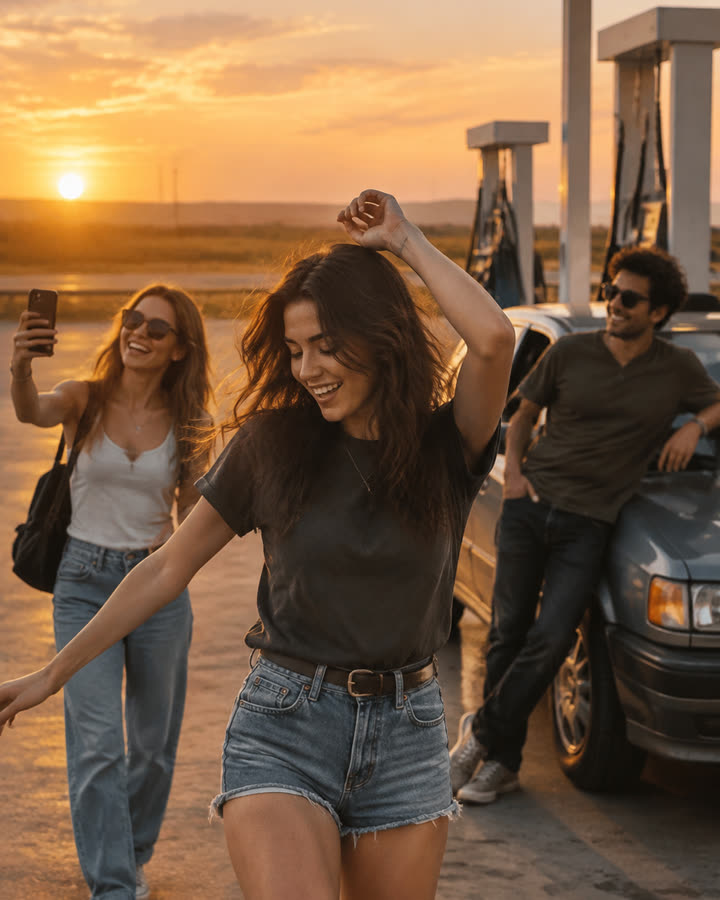
04 / 3 photos
Gas Station Dance
Choose one photo per person and a mode in the maker below. The new recipe targets dance, selfie and car-exit shots with original music. Each option opens after its own sample validation.
Try this effect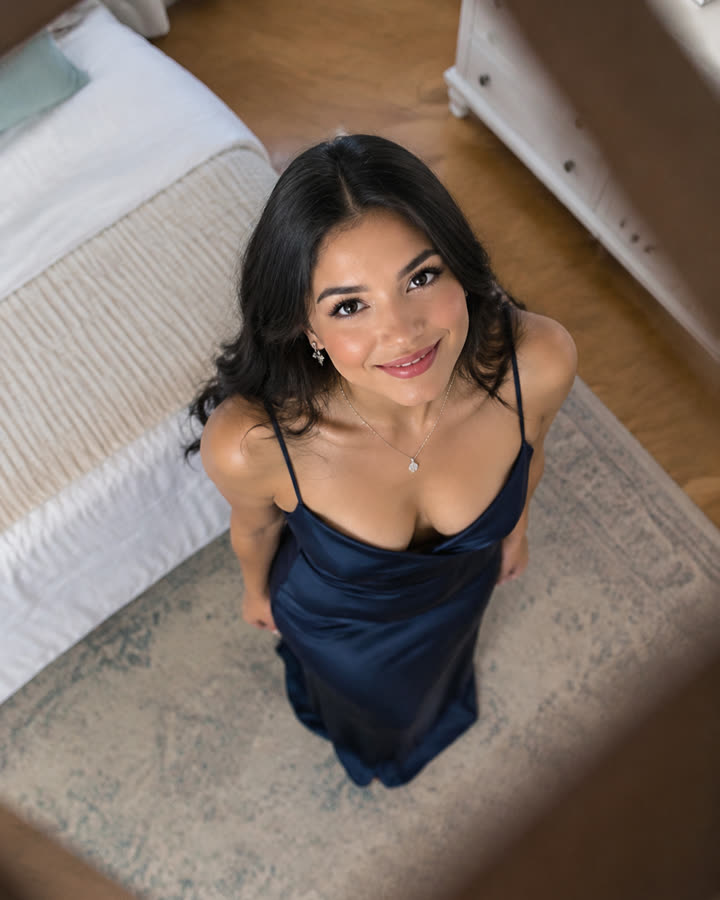
05 / 1 photo
Ceiling Fan Transition
Upload one photo and get a short, silent overhead clip where every pass of the fan blade switches you into a new outfit: four looks in one video.
Try this effect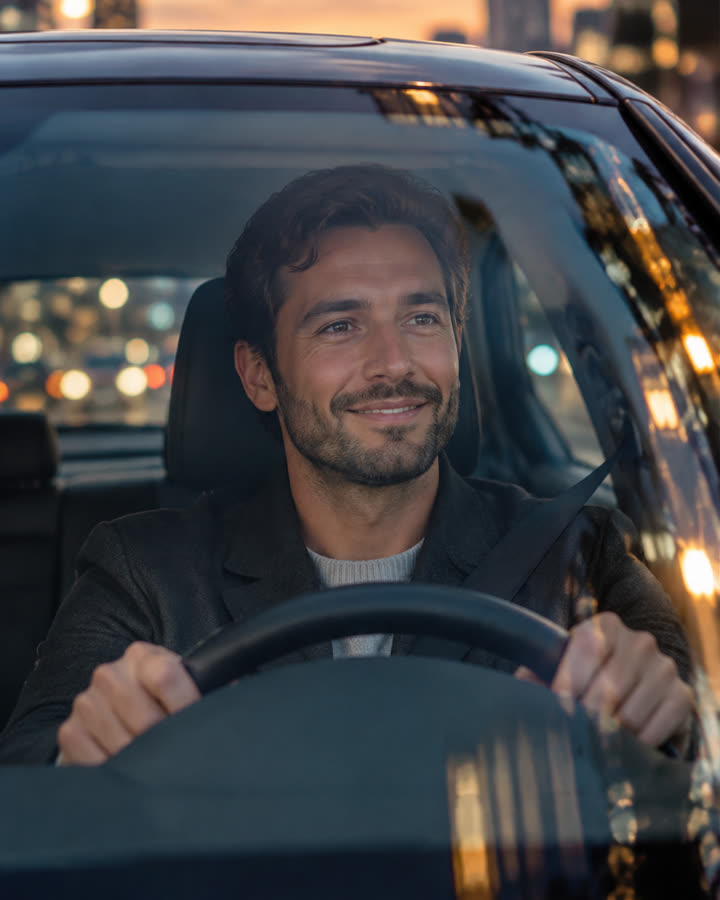
06 / 1 photo
Car Driving
Turn one photo into a short, silent clip of you driving a luxury car at dusk and waving through the windshield. No car brands or logos are shown.
Try this effect